
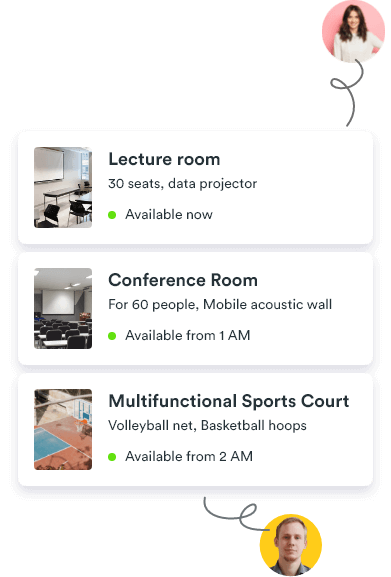
Every shared space. Easy to book.
Give teams, members and visitors one simple way to book meeting rooms, classrooms, coworking areas and community spaces—while you stay in control.
Used by 2,000+ spaces and offices
-
 Rated 4.7/5 on Capterra
-
 Rated 4.4/5 on G2
-
 Rated 4.7/5 on GetApp
One booking system
From meeting rooms and desks to studios, halls and public facilities, manage every bookable space in one familiar system.
Rooms for meetings, classes and consultations.
Bring meeting rooms, classrooms and consultation rooms into one simple booking system for teams, members and visitors.
Explore meeting room booking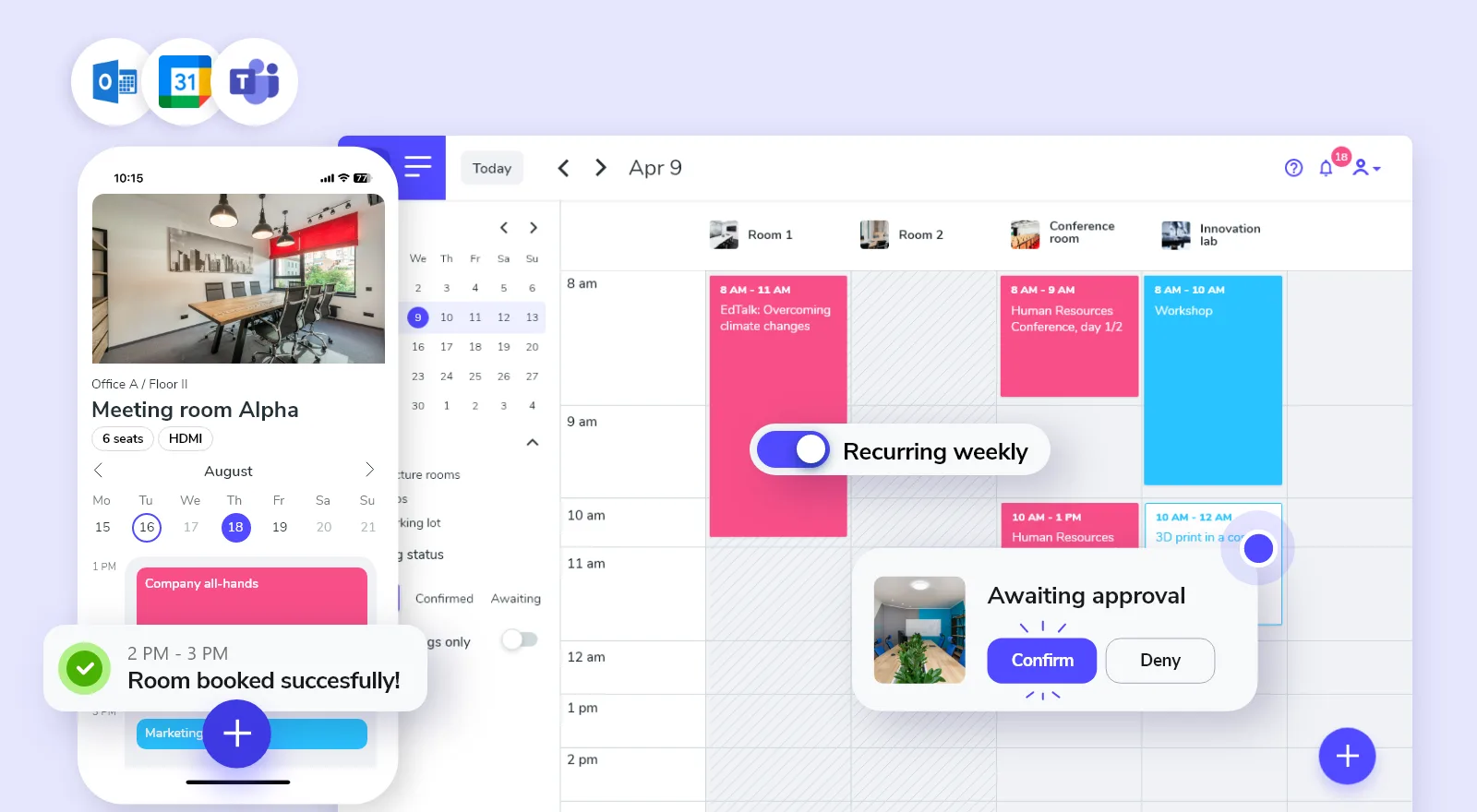
Places to work, focus and connect.
Make shared desks, phone booths and coworking areas easy to find and book for members, teams and occasional visitors.
Explore coworking booking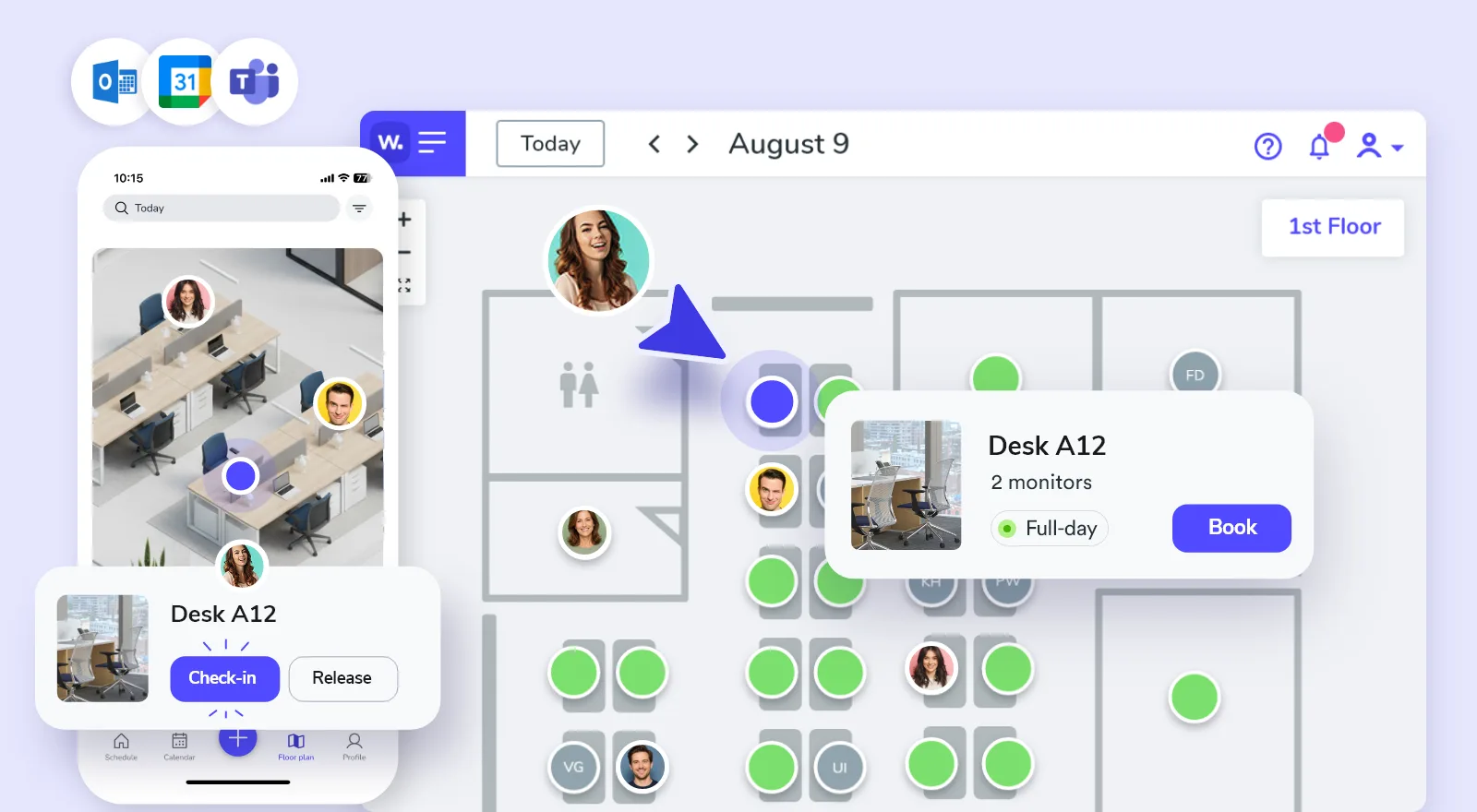
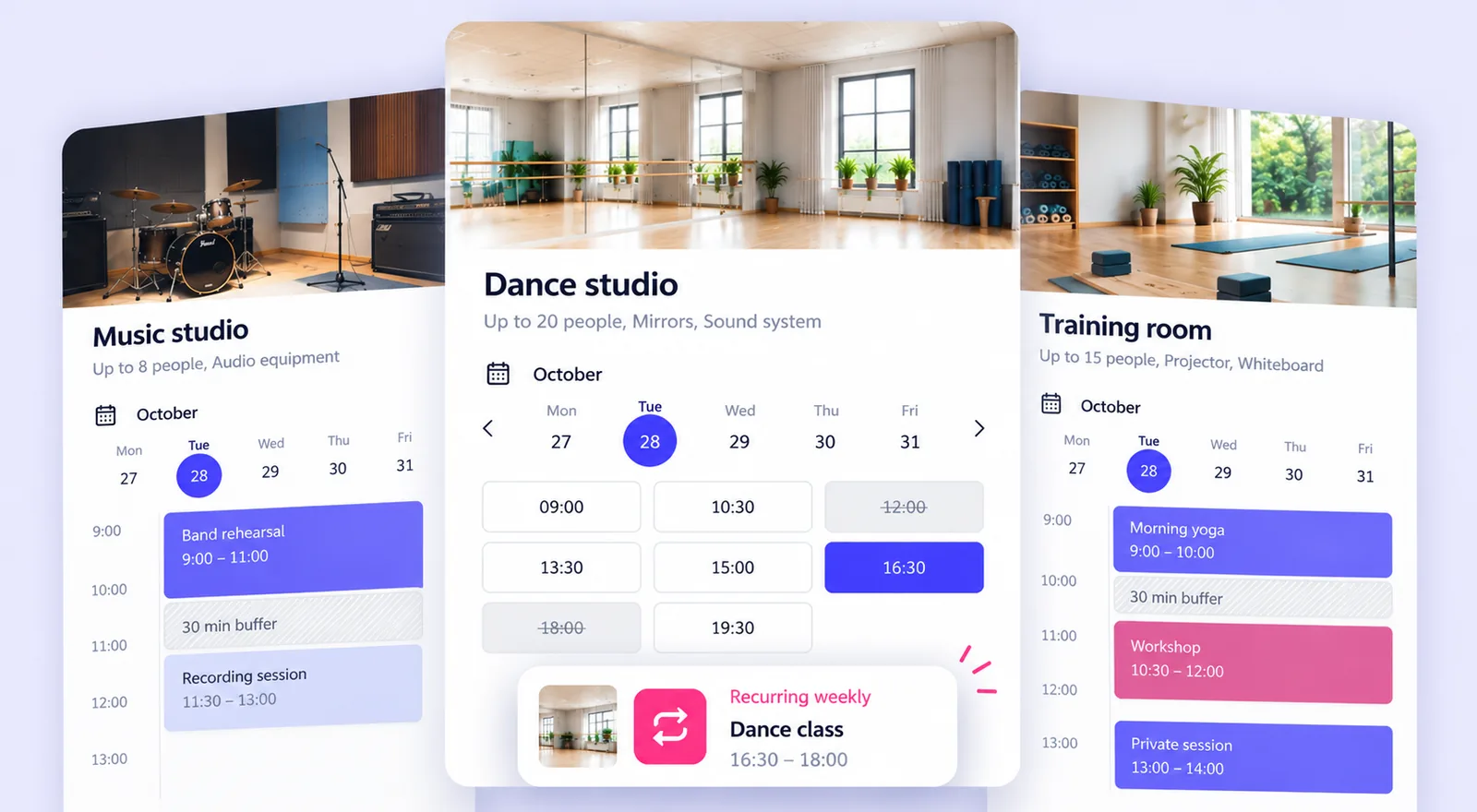
Spaces for sessions, practice and programs.
Keep studios, training rooms and rehearsal spaces organized across regular programs, classes and one-time sessions.
Facilities shared across groups and communities.
Organize halls, courts and community facilities used by members, local groups, visitors or the public.
Explore community centers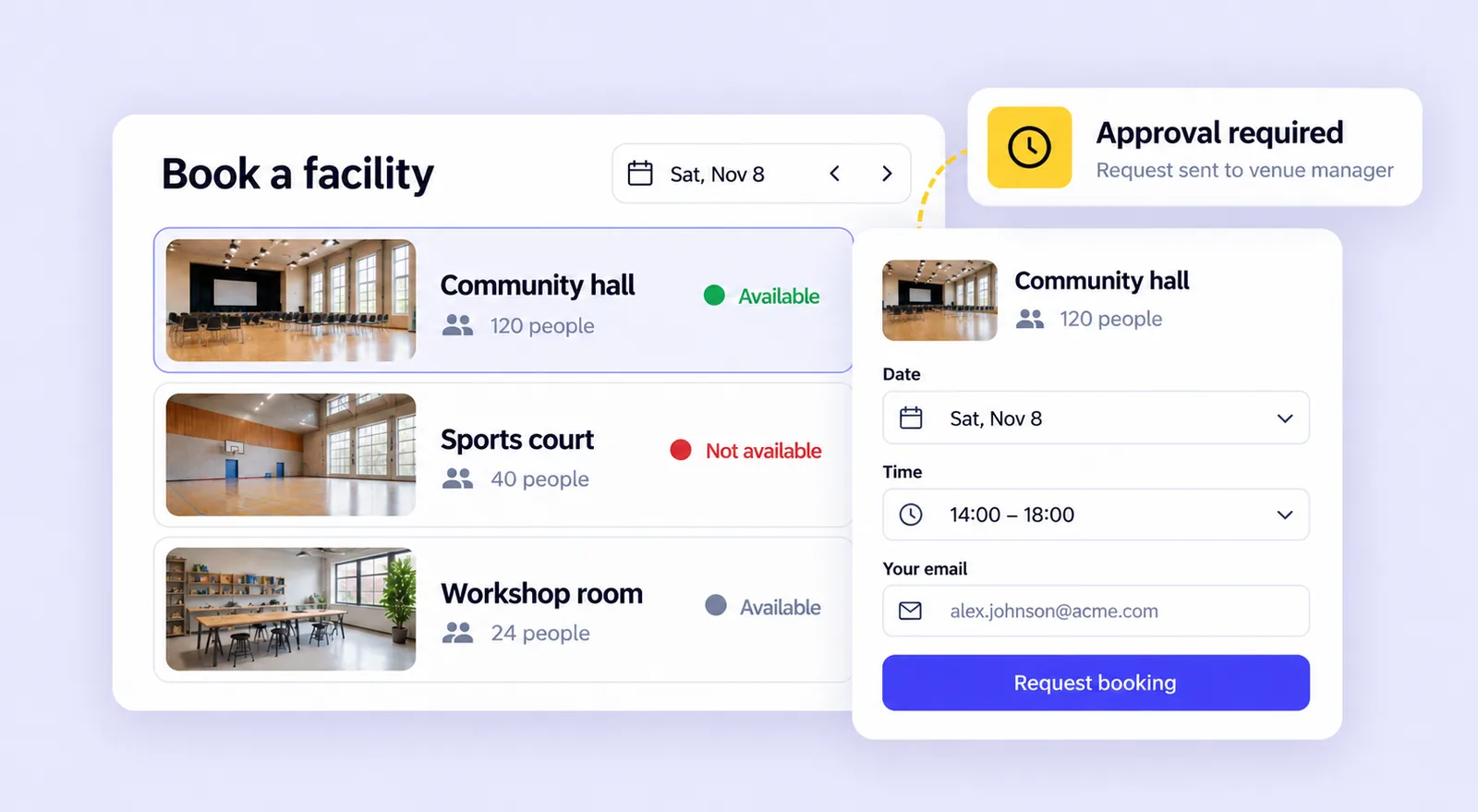
Set up every space. Control every booking.
Show people what they can book, define when and how it works, and give teams, members and visitors the right way to book or request a space.
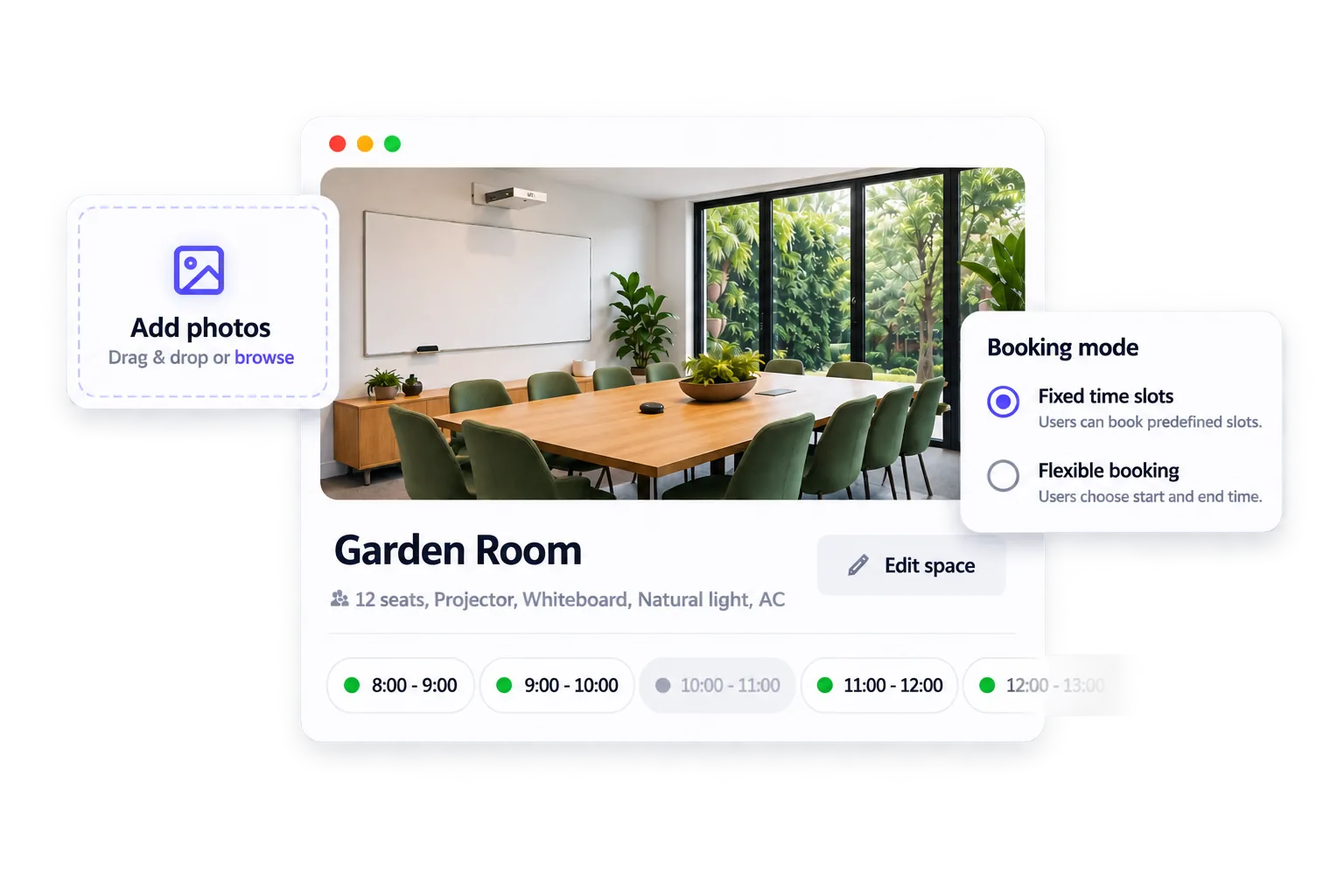
Add photos, descriptions, capacity and practical details, then choose the booking mode that fits each space.
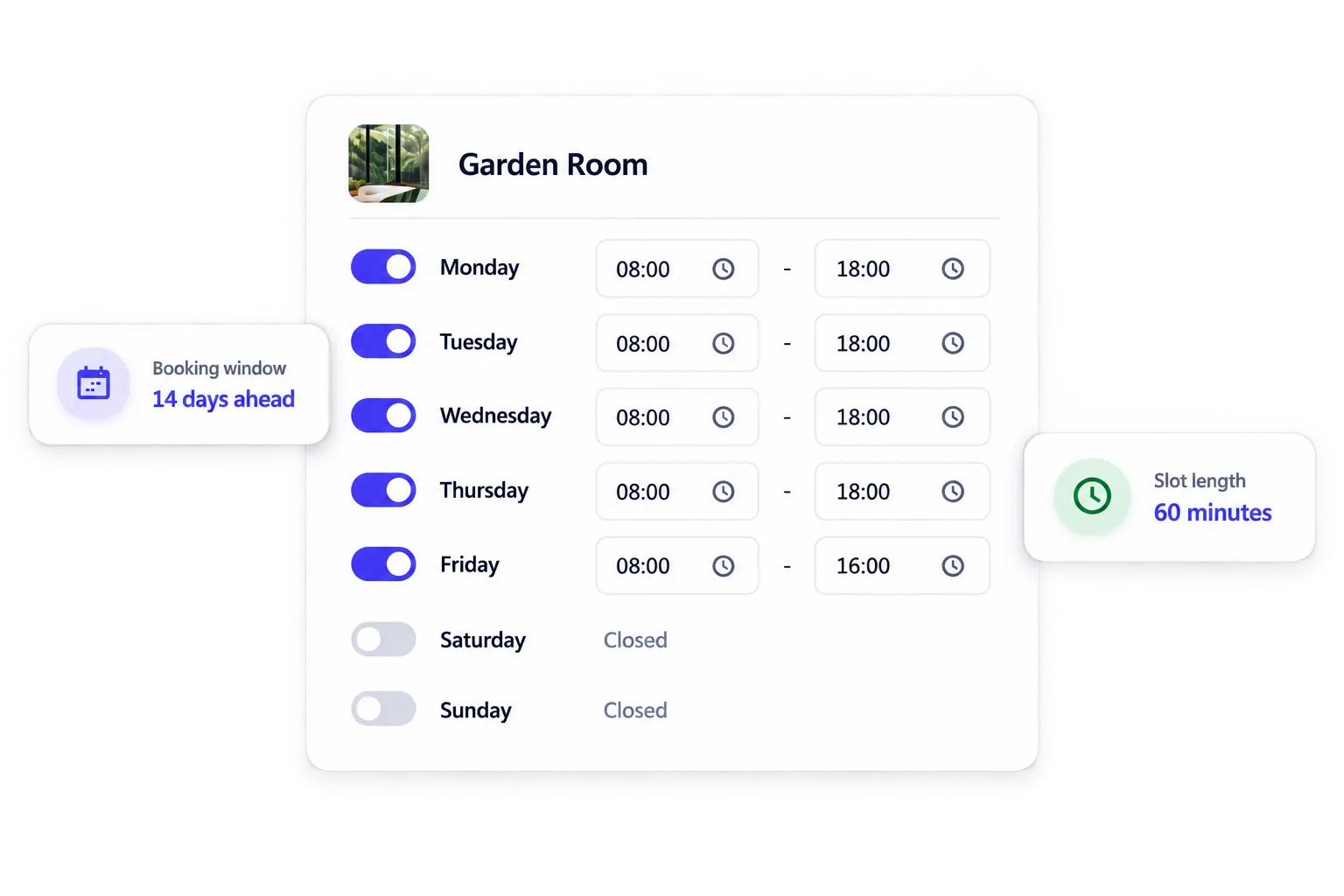
Set opening hours, bookable windows and fixed slots or flexible durations around real operations.
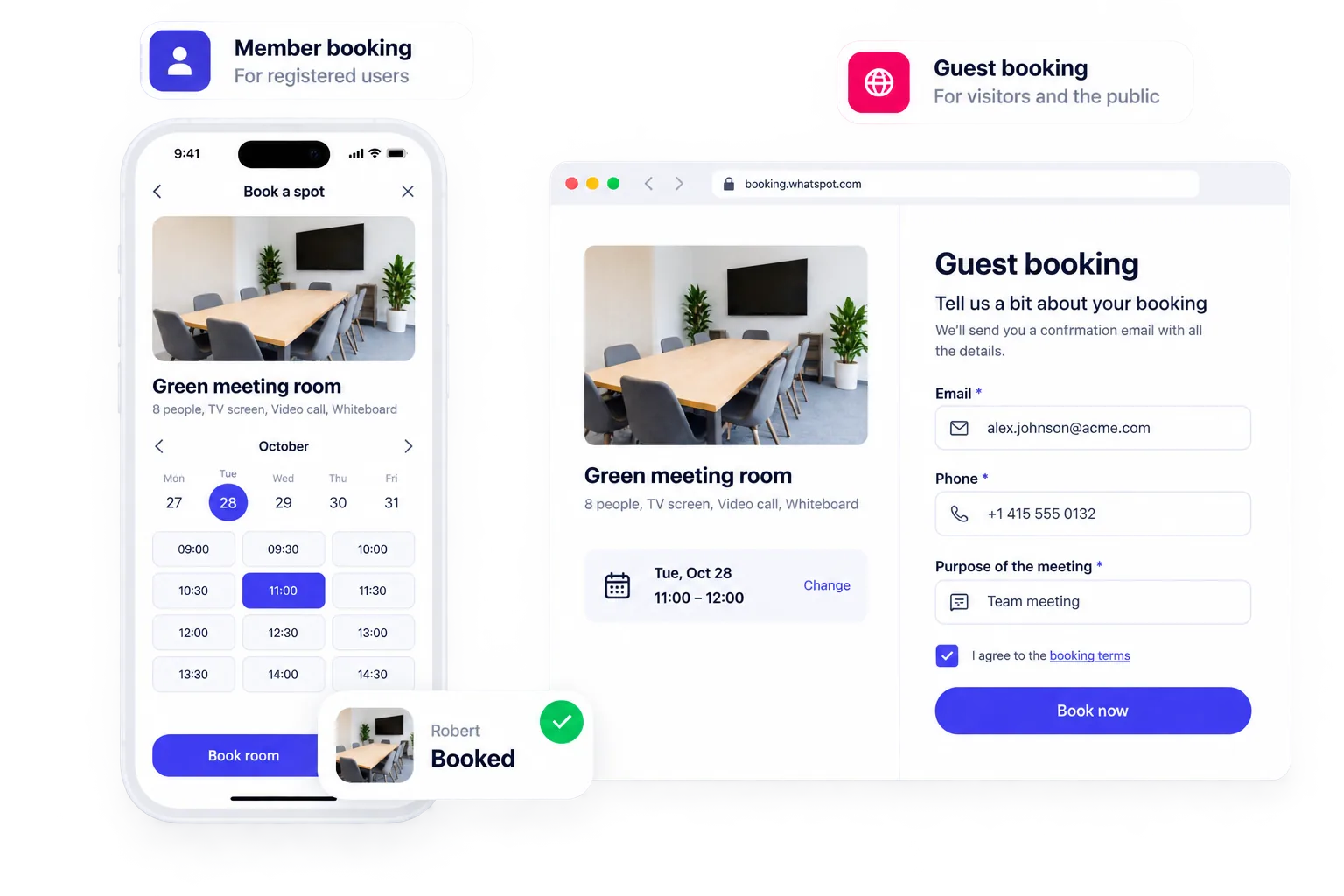
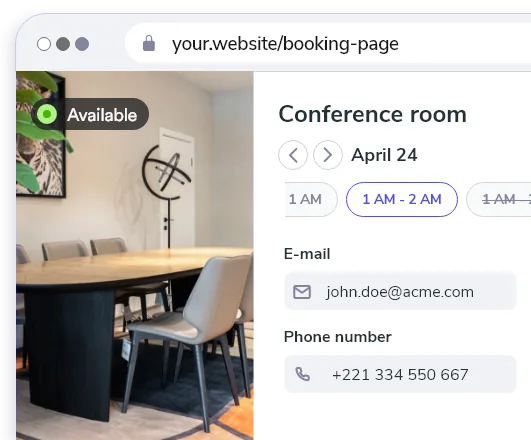
Let teams and members book directly, while guests and visitors use a public booking page, shared link or form embedded on your website.
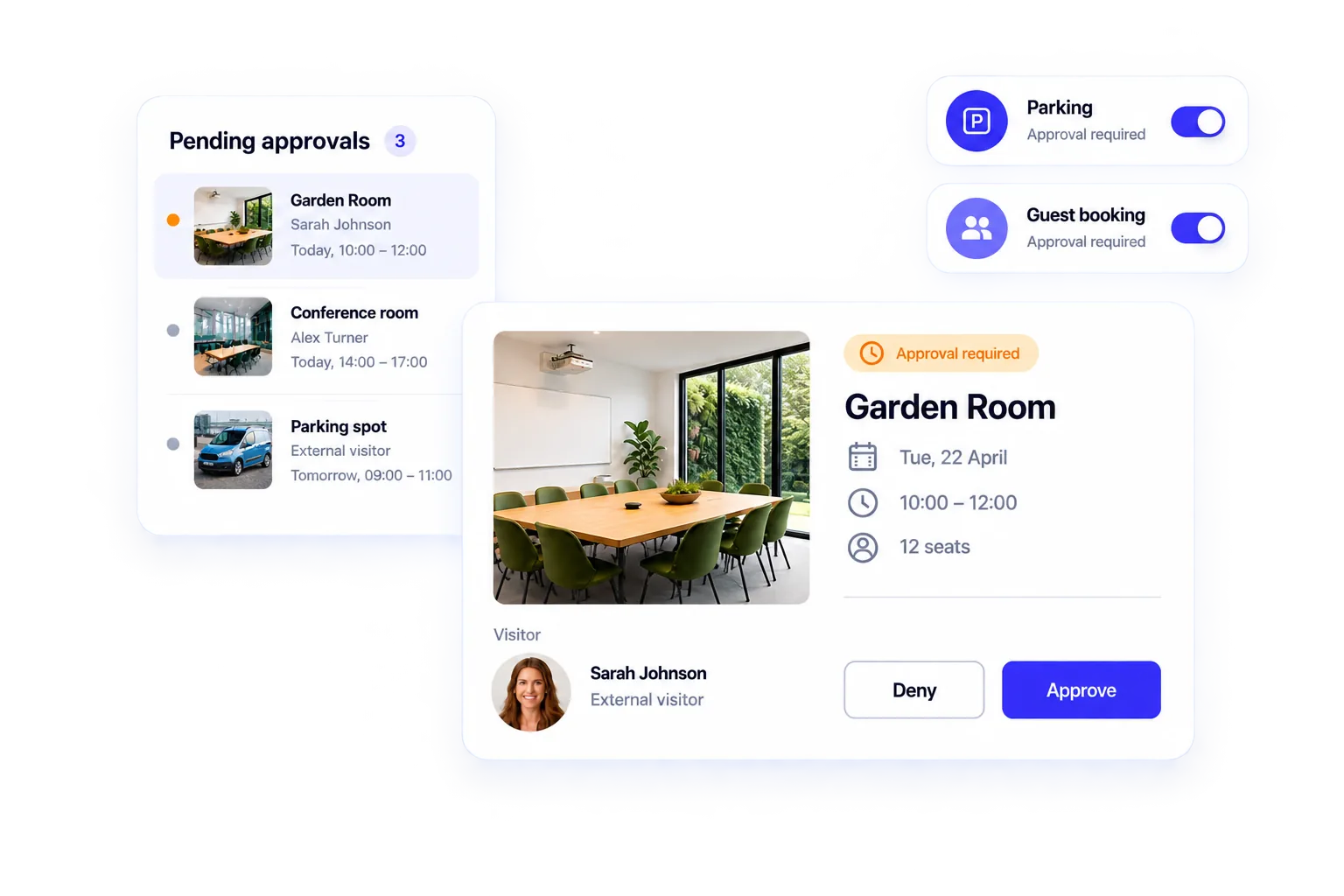
Decide who can see and book each space, which reservations confirm instantly and which require approval. Keep every request visible to prevent conflicts.
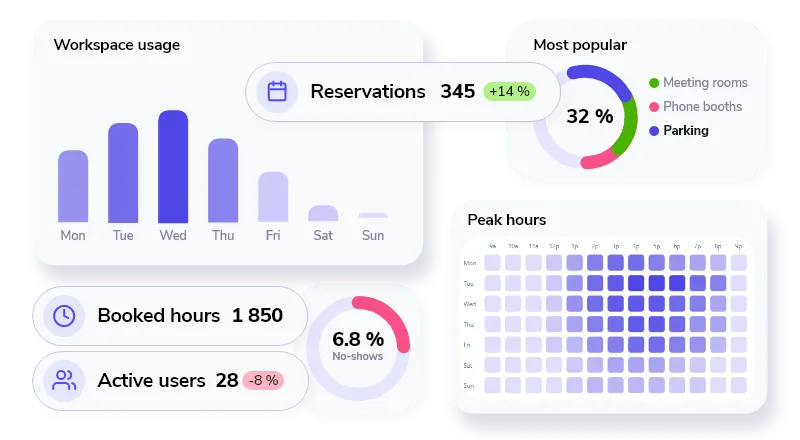
Track booking activity, identify busy periods and understand which spaces, schedules and booking modes work best.
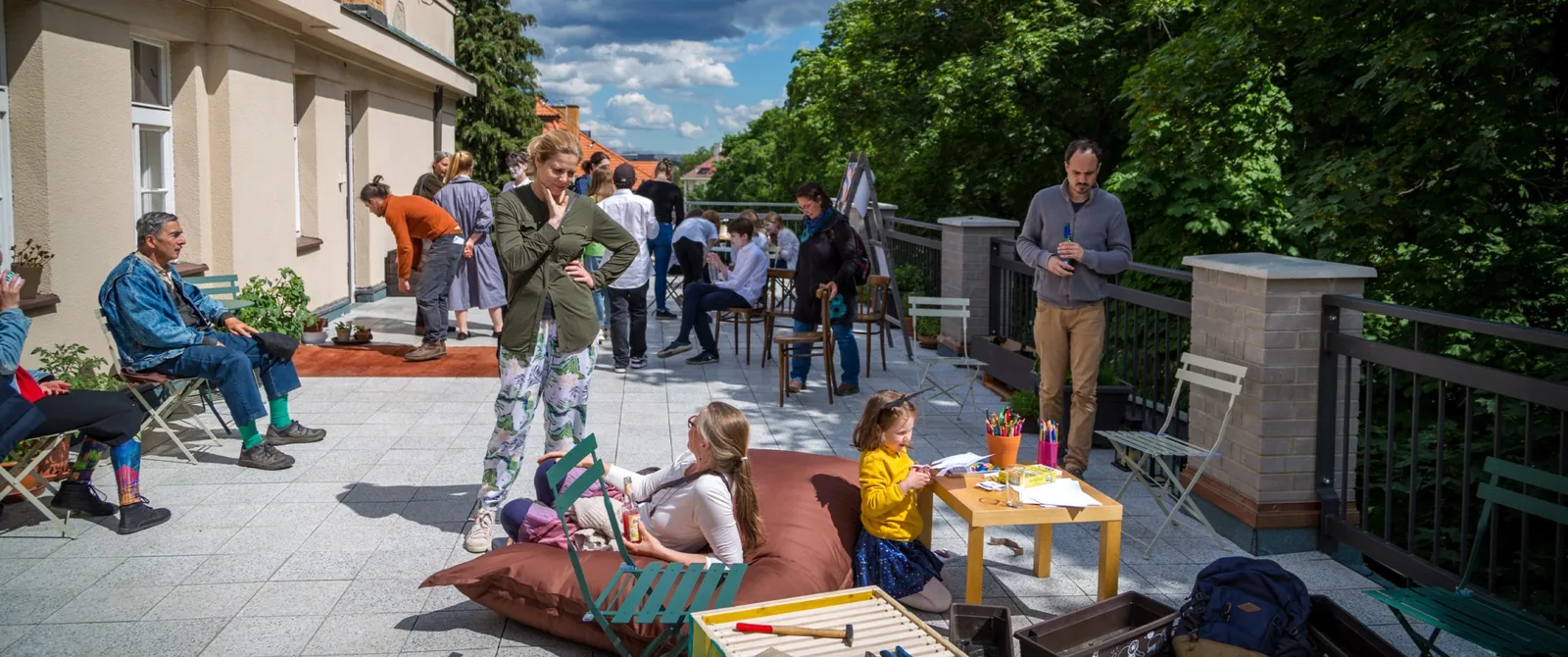
“10 shared spaces. 1,000+ bookings a year. From endless emails to self-service bookings in just a few clicks.”
Start small. Make booking easy for everyone.
Set up a few spaces, keep the tools people already use and give teams, members and visitors a simple way to book.
Keep calendars in sync.
Connect Microsoft or Google calendars so booking fits into familiar workflows.





Put booking where people already are.
Embed booking on your website or share a direct link with members and visitors.
Book from mobile or QR.
Let people open booking from their phone or scan a code directly at the space.

Available in 15+ languages
Give members and visitors the same familiar booking flow in their own language.


Whatspot speaks 15+ languages
Start free. Pay only as your spaces grow.
Use Whatspot free for up to 2 bookable spaces, then scale with simple pricing based on the number of spaces. Try all features free for 14 days.
Included
- Unlimited bookings
- Public booking form
- Booking schedules
- Booking approval
- Recurring bookings
- Statistics
- Calendar sync
Easy for people to book. Easy for admins to manage.
What teams using Whatspot for shared rooms and facilities say about it.
A Gamechanger for My Tutoring Office I absolutely love Whatspot! It’s super easy to use, visually appealing, and a perfect fit for my small tutoring business. The free option is a huge plus, and the ability to book recurring meetings makes scheduling effortless. It’s become more than just a room reservation tool—it’s an essential part of how we organize our sessions!
Effortless Workspace Management Whatspot makes managing meeting rooms and workspaces incredibly simple. It's intuitive, efficient, and saves us time. Plus, their support is always quick to help when needed. Highly recommended!
Efficient, Smart, and Multilingual A really effective tool that helps companies increase the efficient use of their shared resources. Very easy to use tool with some excellent features, like allowing non-registered users to have access, plus many different language versions. There are regular improvements too, often based on customer feedback.
Simple and Effective Meeting Room Management We are very pleased with Whatspot for managing meeting room reservations and other spaces in our organization. It has significantly streamlined and improved the process. The application is highly intuitive, easy to manage, and simple to operate.
Fast and Easy Conference Room Booking Whatspot has saved us time by replacing manual booking with a quick and efficient online system. Now, everyone can easily choose a time and reserve a conference room hassle-free!
Great for Managing a Shared Room We use Whatspot to manage a single room for meetings, lessons, and departmental functions, and it works exactly as we need. The free version is perfect for a shared space used by different groups, making it easy for everyone to see availability and book. No other free products offered the ease of use that Whatspot did.
Translated from the original language.
Built for spaces shared by more than one group.
Need a more specific version of the story? Explore how Whatspot fits your organization.
 Coworking spaces
Coordinate desks, rooms, members and visitors from one booking system.
Explore use case
Coworking spaces
Coordinate desks, rooms, members and visitors from one booking system.
Explore use case
 Education & universities
Share classrooms, study areas and specialist facilities across different groups.
Explore use case
Community centers
Balance recurring programs, public access and manager approval.
Explore use case
Education & universities
Share classrooms, study areas and specialist facilities across different groups.
Explore use case
Community centers
Balance recurring programs, public access and manager approval.
Explore use case
 Churches & nonprofits
Open rooms to ministries, volunteers and local groups while administrators stay in control.
Explore use case
Churches & nonprofits
Open rooms to ministries, volunteers and local groups while administrators stay in control.
Explore use case
 Libraries
Make study rooms, meeting areas and community facilities easy to reserve.
Explore use case
Libraries
Make study rooms, meeting areas and community facilities easy to reserve.
Explore use case
Frequently asked questions
About making rooms and facilities bookable for teams, members and visitors.
What is shared space booking software?
Shared space booking software shows when rooms and facilities are available, lets people request or create a reservation, and keeps every booking in one schedule. Administrators can control access, opening hours, approvals and booking rules.
Is this only for public venues?
No. The most common setup can be as simple as an office sharing a few meeting rooms. The same foundation also works for coworking spaces, classrooms, consultation rooms, community centers, churches, nonprofit facilities and cultural or sports venues.
Can we manage both internal and public bookings in one system?
Yes. Internal teams and external groups can use separate booking paths, permissions and approval rules while every reservation stays in one system.
Can some bookings be instant and others require approval?
Yes. Keep routine internal reservations instant, then use approval for public requests, special rooms, selected groups or times that need a manager decision.
Can we set opening hours and recurring bookings?
Yes. Booking schedules can reflect opening hours and bookable time slots, and you can create recurring reservations for regular classes, sessions or meetings.
Can we see how our spaces are being used?
Yes. Usage reports help you understand demand, occupancy and booking patterns across spaces, so you can review how facilities are used over time.
Does Whatspot integrate with Microsoft 365 and Google Workspace?
Yes. Whatspot can synchronize room and resource calendars with Microsoft 365 and Google Workspace, helping people keep using familiar tools while bookings and availability stay aligned. The Microsoft Teams app also lets employees view availability and create reservations without leaving Teams.
How quickly can we set up Whatspot?
Most teams can add spaces, define availability and access, and start booking in minutes. The setup is self-service, while company identity, calendar or more complex multi-location rollouts may benefit from IT or help from the Whatspot team.
Make your spaces easier to book.
Add your spaces, choose the right rules and replace booking back-and-forth with one simple flow.
Whatspot speaks 15+ languages