
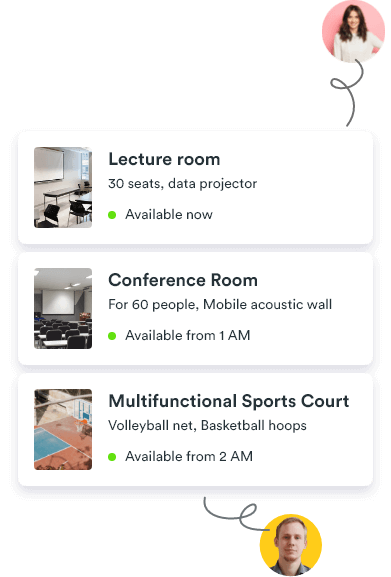
Booking system for churches and parish halls
Coordinate parish spaces without calls, overlaps, or confusion
Coordinate parish activities, ministry meetings, and community hall requests in one schedule with clear approvals.
Less volunteer back-and-forth and fewer last-minute hall conflicts.


Whatspot speaks 15+ languages
Church calendars become difficult when many groups share the same spaces
Churches often coordinate worship-related activities, ministry meetings, classes, and community events in overlapping time windows.
Calendars and spreadsheets break down when many groups share rooms. Use one booking flow with clear rules and approvals.
- Worship prep, ministry meetings, and community events overlap in the same halls
- Volunteer-led requests arrive by phone, email, and hallway conversations
- Priority conflicts appear late without one shared schedule
 Read why Google and Microsoft calendars fail at shared-space booking

Give people a simple way to book — and keep control
Let visitors book fast while staff keeps approvals, rules, and availability clear in one schedule.
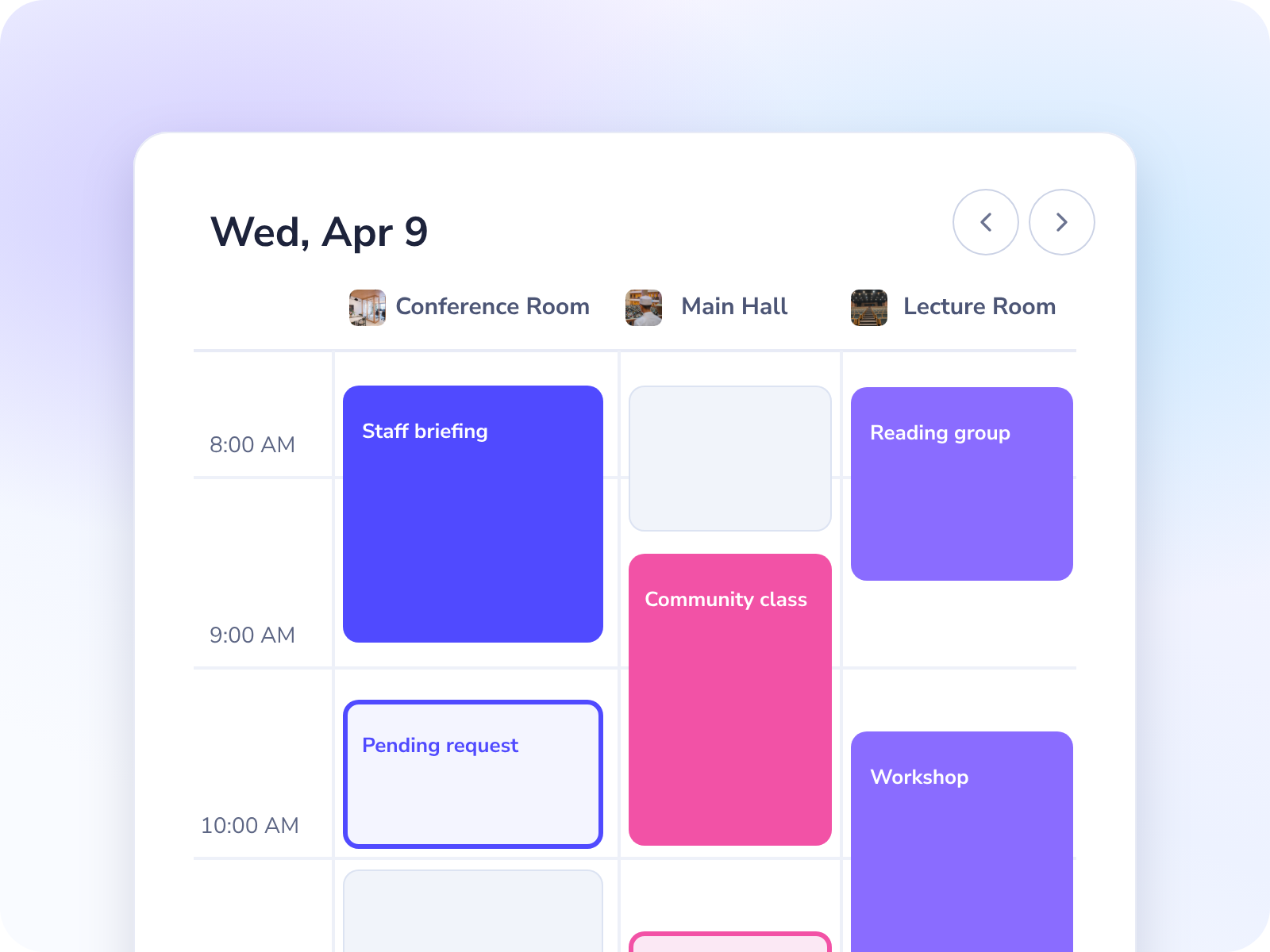
One shared schedule stops conflicts before they happen
Give staff one clear view of rooms and requests before conflicts reach the front desk.
- See confirmed, pending, and blocked slots in one timeline.
- Stop double bookings before people arrive.
- Replace spreadsheets and wall boards with one source of truth.
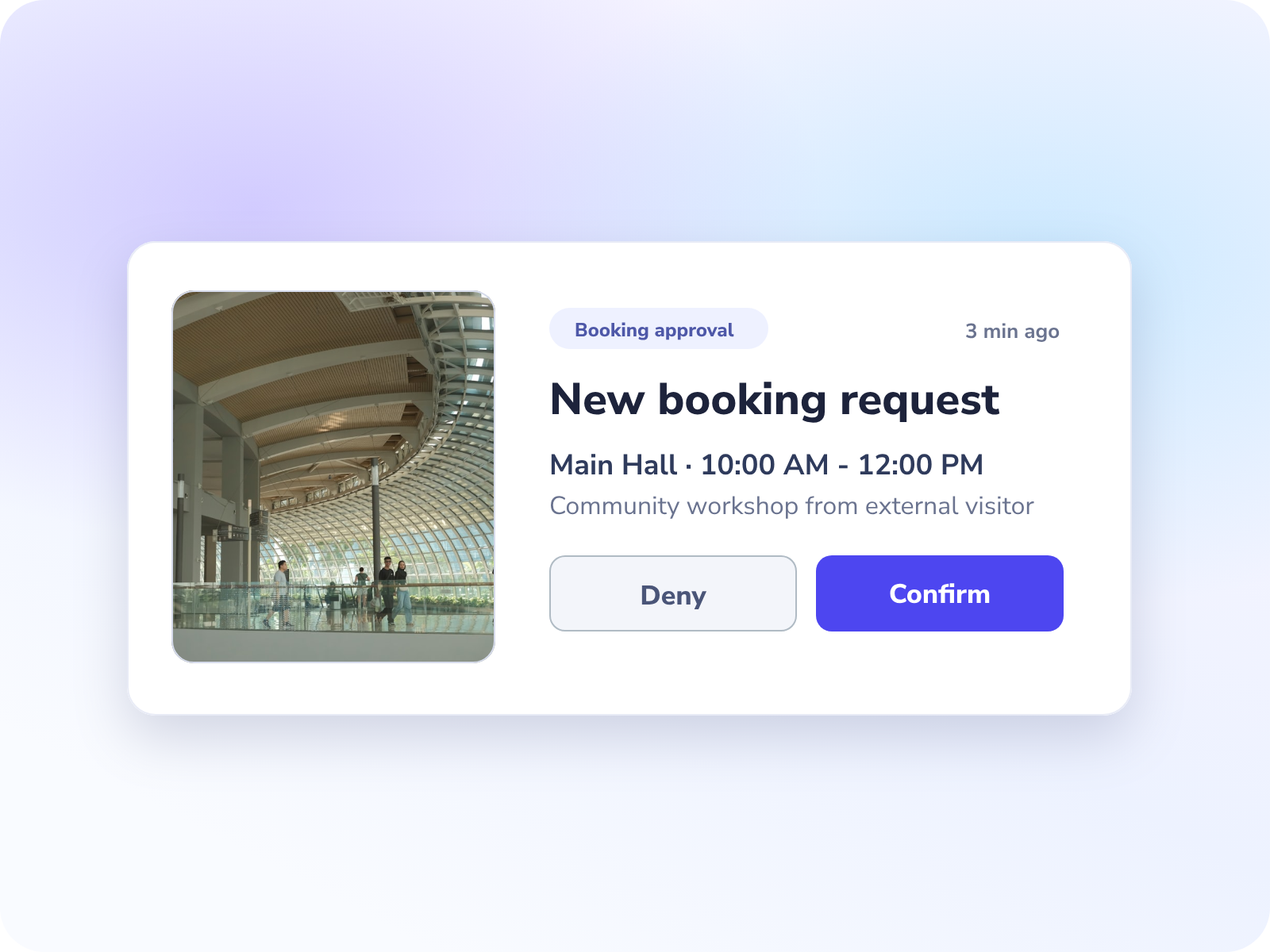
Rules and approvals keep operations clear and fair
Set clear boundaries so every group knows what can be booked and what needs approval.
- Set internal vs public visibility by space.
- Apply opening hours, limits, and approval rules.
- Protect priority events without manual policing.
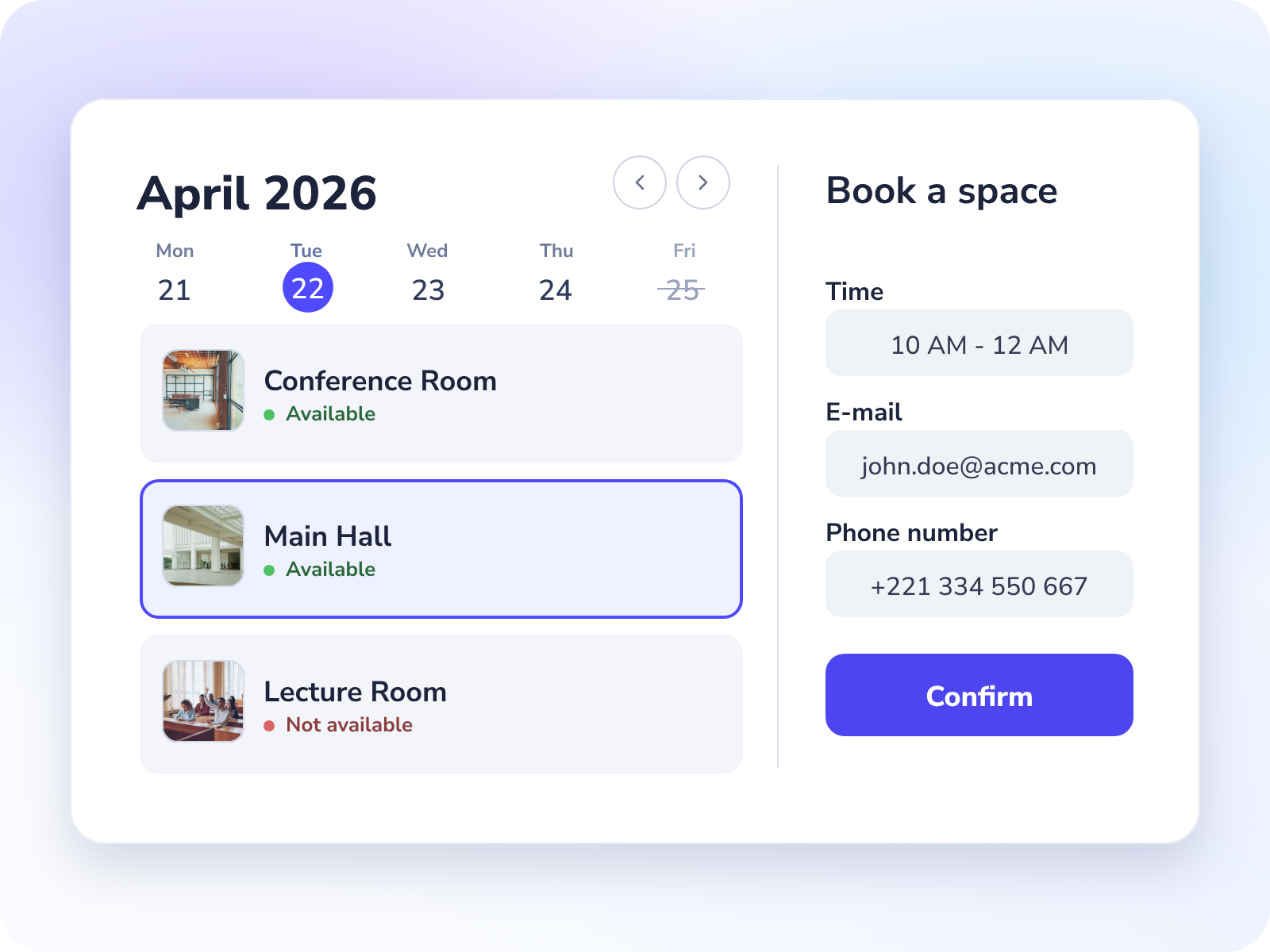
Let people book without calling your staff
Share one public form so visitors can request spaces while staff stays in control.
- Visitors request without account friction.
- Staff keeps final approval and oversight.
- Automatic reminders reduce missed bookings.
Keep your current calendars and sync everything into one clear booking view.




Start in minutes, not weeks
A simple 1-2-3 setup gets you from calendar chaos to a clear shared-space booking flow.
Add spaces and visibility
Create rooms and define what is internal vs public.
Set rules and approvals
Configure opening hours, limits, and approval for selected bookings.
Accept bookings
Share your public booking form to accept both external and internal requests in one clear flow.
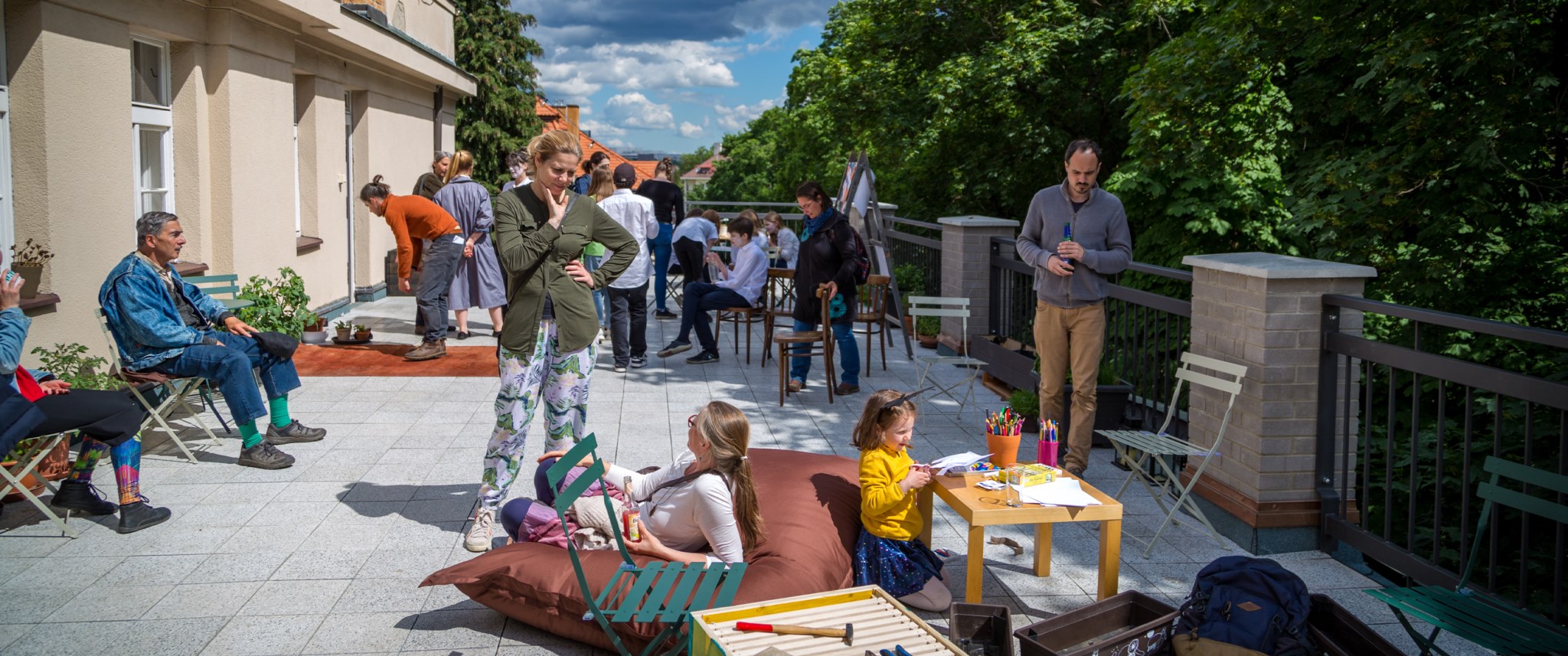
Church management case study
From booking chaos to one clear schedule
See how Community space Smíchov managed shared spaces across dozens of groups without email ping-pong.
Read full case studyAdditional capabilities that make daily operations easier
Chosen by 1,500+ shared spaces in 36+ countries
Built for libraries, community centers, churches, and other venues that need simple booking without staff overhead.
"A Gamechanger for My Tutoring Office"
I absolutely love Whatspot! It’s super easy to use, visually appealing, and a perfect fit for my small tutoring business. The free option is a huge plus, and the ability to book recurring meetings makes scheduling effortless. It’s become more than just a room reservation tool—it’s an essential part of how we organize our sessions!
Tina J., Captera
"Effortless Workspace Management"
Whatspot makes managing meeting rooms and workspaces incredibly simple. It's intuitive, efficient, and saves us time. Plus, their support is always quick to help when needed. Highly recommended!
Fariñas L., Capterra
"Efficient, Smart, and Multilingual"
A really effective tool that helps companies increase the efficient use of their shared resources. Very easy to use tool with some excellent features, like allowing non-registered users to have access, plus many different language versions. There are regular improvements too, often based on customer feedback.
Mark H., Capterra
Translated from the original language.
Frequently asked questions
Answers about public venue booking software.
Can we manage both internal and public bookings in one system?
Yes. Internal staff and external groups can follow one booking flow with separate permissions and approval rules.
Can visitors or external groups request spaces without creating accounts?
Yes. Visitors and external groups can request bookings by direct link, and your staff approves before confirmation.
How easy is it to set up?
You can get started in minutes. Set up spaces, booking rules, and staff access without a heavy IT project.
Can we set booking rules by room type or member group?
Yes. You can define limits, visibility, and booking conditions to keep allocations fair.
Can we require approval before a booking is confirmed?
Yes. You can require staff approval to prevent conflicts and keep bookings aligned with your operating rules.
Can we access reports on space usage and occupancy trends?
Yes. Usage reports help you track demand, occupancy, and booking patterns across rooms.
Can we keep Google and Microsoft calendars connected?
Yes. Whatspot can sync with existing calendars so staff keeps one reliable schedule.
Is there a free trial?
Yes. Start with a 14-day free trial with no credit card required.
What happens after the free trial?
You can choose a plan that fits your needs, or cancel with no long-term commitment.
Related
Start organizing shared-space bookings today
Launch quickly, reduce booking conflicts, and give members and groups a clear way to reserve spaces.
Whatspot speaks 15+ languages