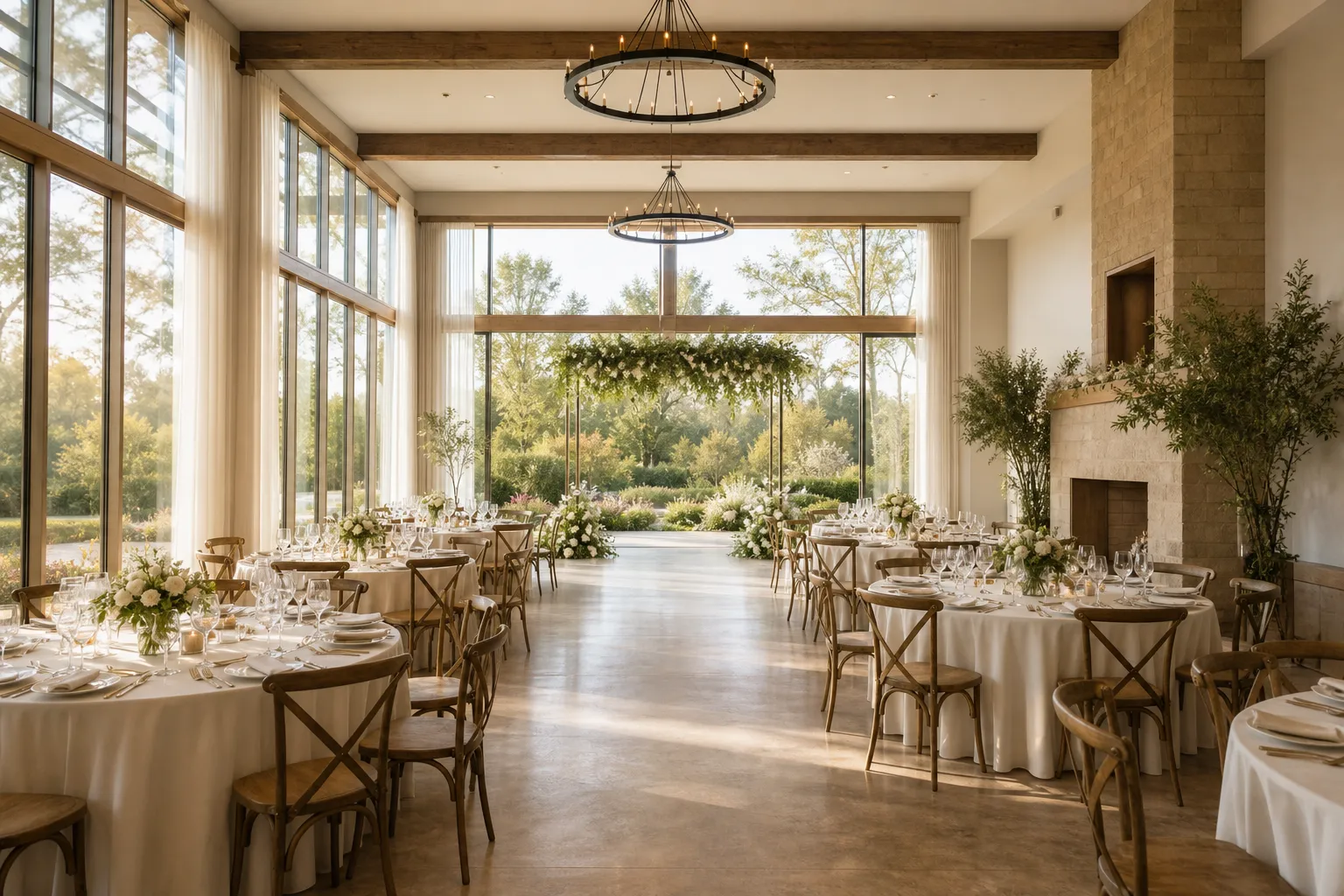
Wedding hall
Up to 120 guests
- Mo Monday 19: Booked
- Tu Tuesday 20: Booked
- We Wednesday 21: Booked
- Th Thursday 22: Booked
- Fr Friday 23: Booked
- Sa Saturday 24: Available
- Su Sunday 25: Available
Wedding venue booking software
More time for the big day. Less booking back-and-forth.
For venue owners and coordinators: let couples request your reception hall, ceremony room or garden online. Keep each space’s availability clear, then review the request before confirming.
Used by 2,000+ spaces and offices
in 40+ countries
-
 4.7/5 on Capterra
-
 4.4/5 on G2
-
 4.7/5 on GetApp
Keep wedding venue bookings in one shared schedule.
Couples plan one wedding, while your team coordinates the hall, ceremony room and garden. A change to one part of the day can affect the others.
Choose a space, check real-time availability, and pick a time that works. See opening hours and available times in one place to help prevent double bookings.
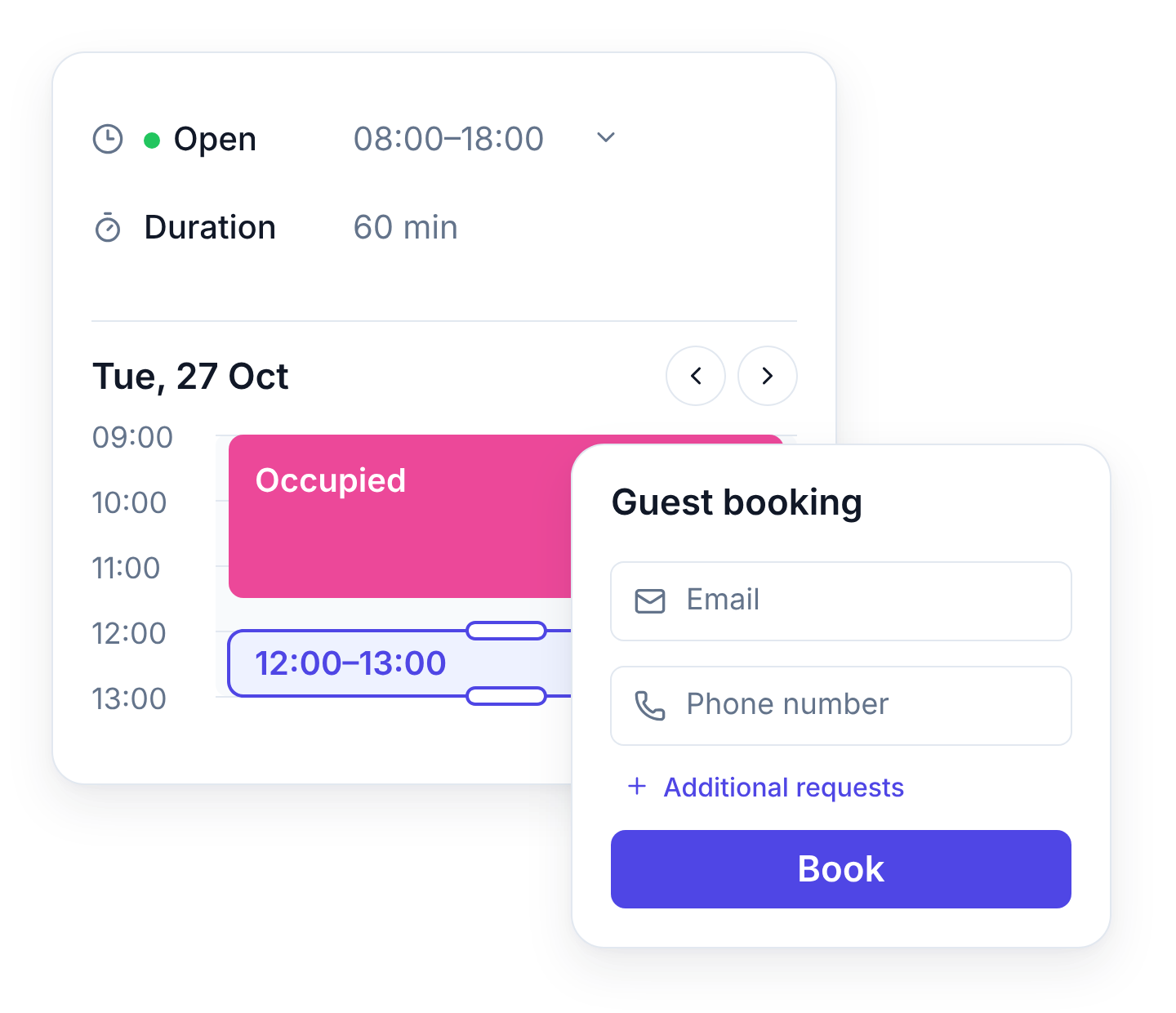
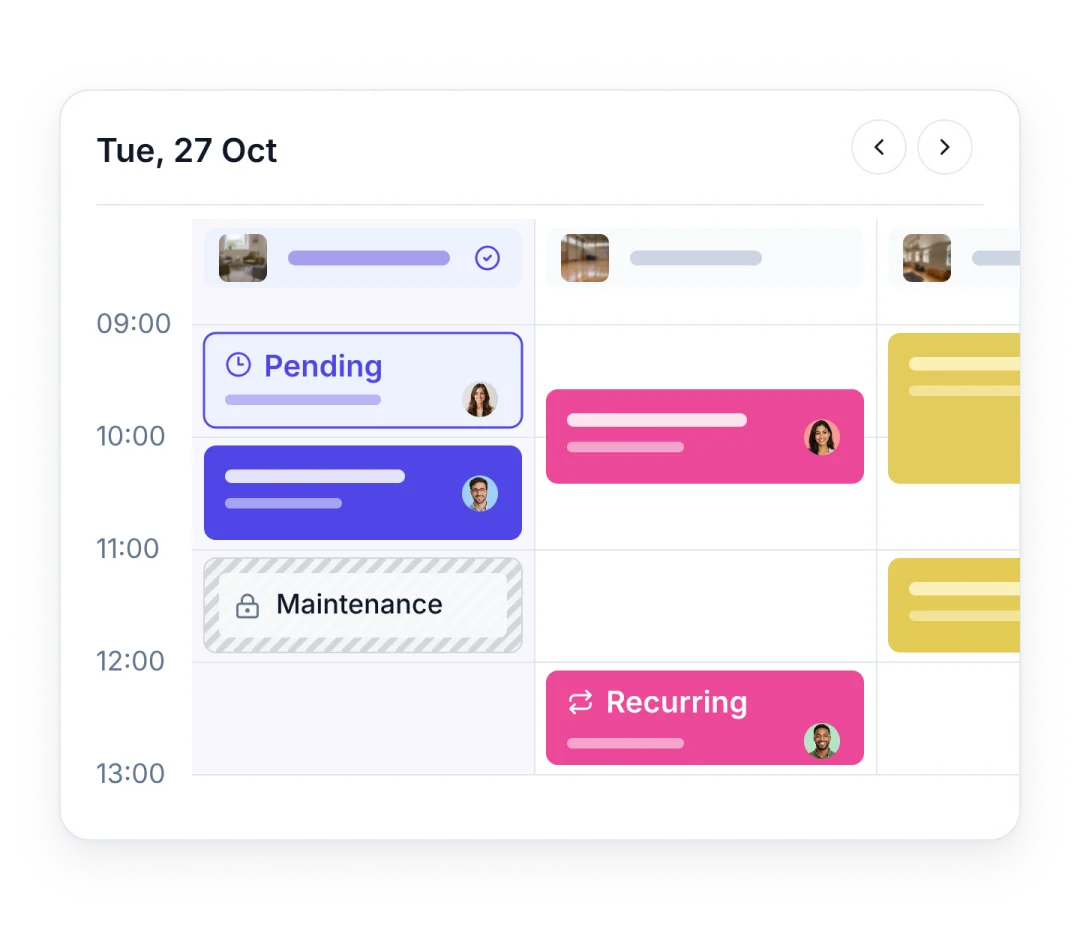
Keep one shared calendar for your spaces and bookings. Create one-off or recurring reservations, update bookings when plans change and let authorised staff book for invited users.
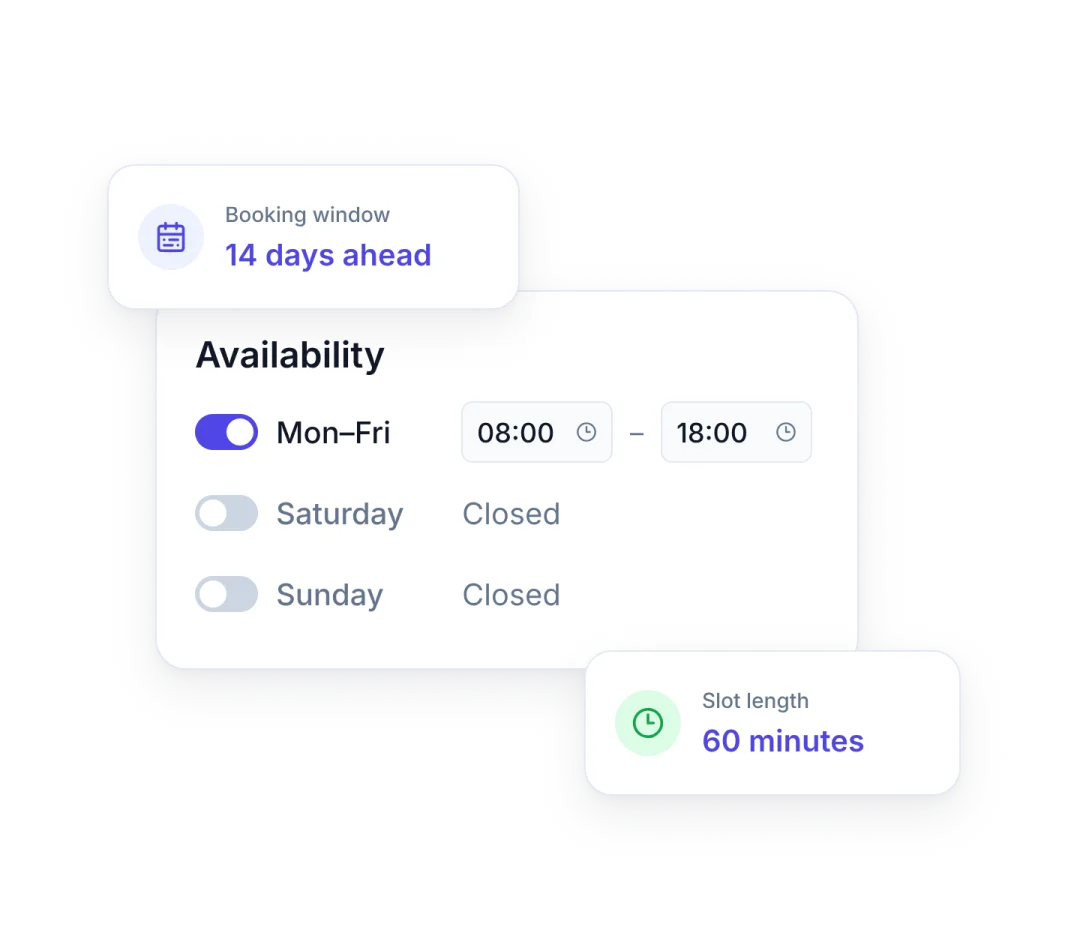
Set opening hours, bookable windows, fixed slots or flexible durations and blocked periods around real operations.
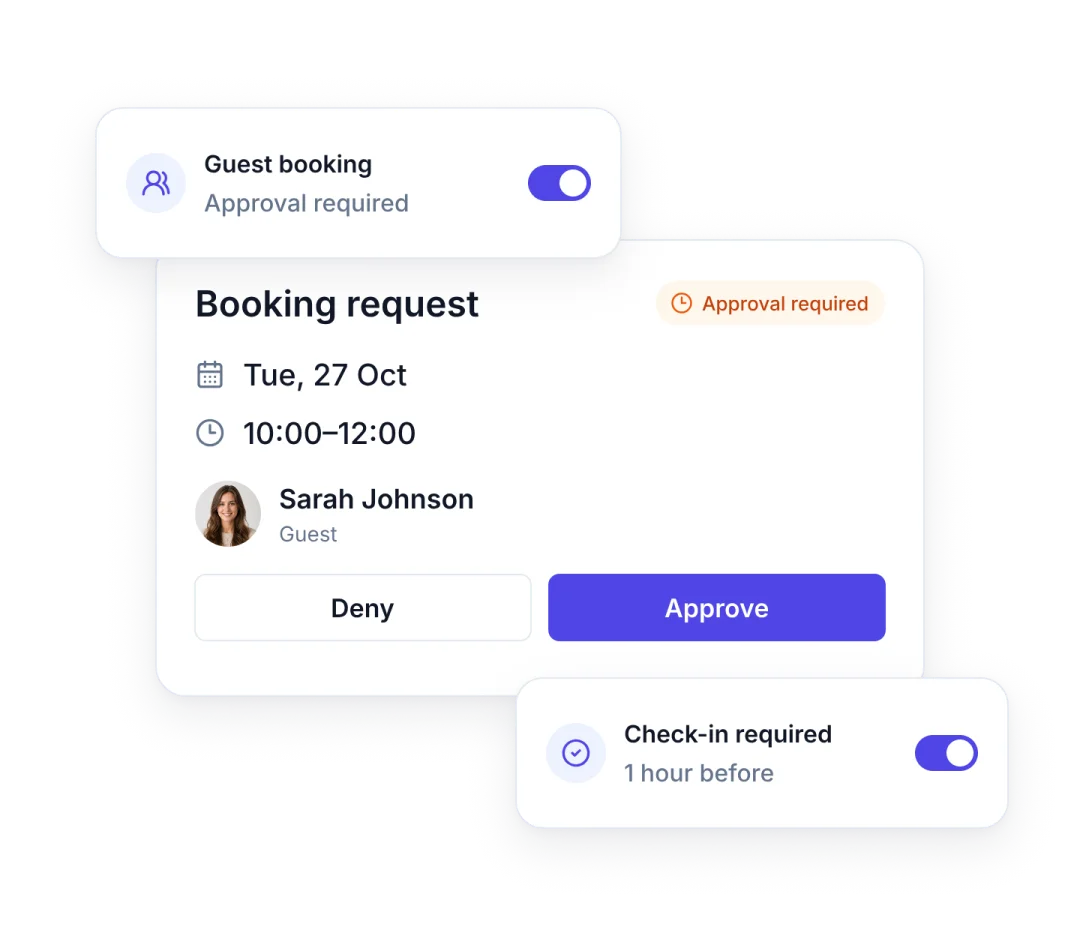
Decide who can see and book each space, which reservations confirm instantly and which require approval. Keep every request visible to prevent conflicts.
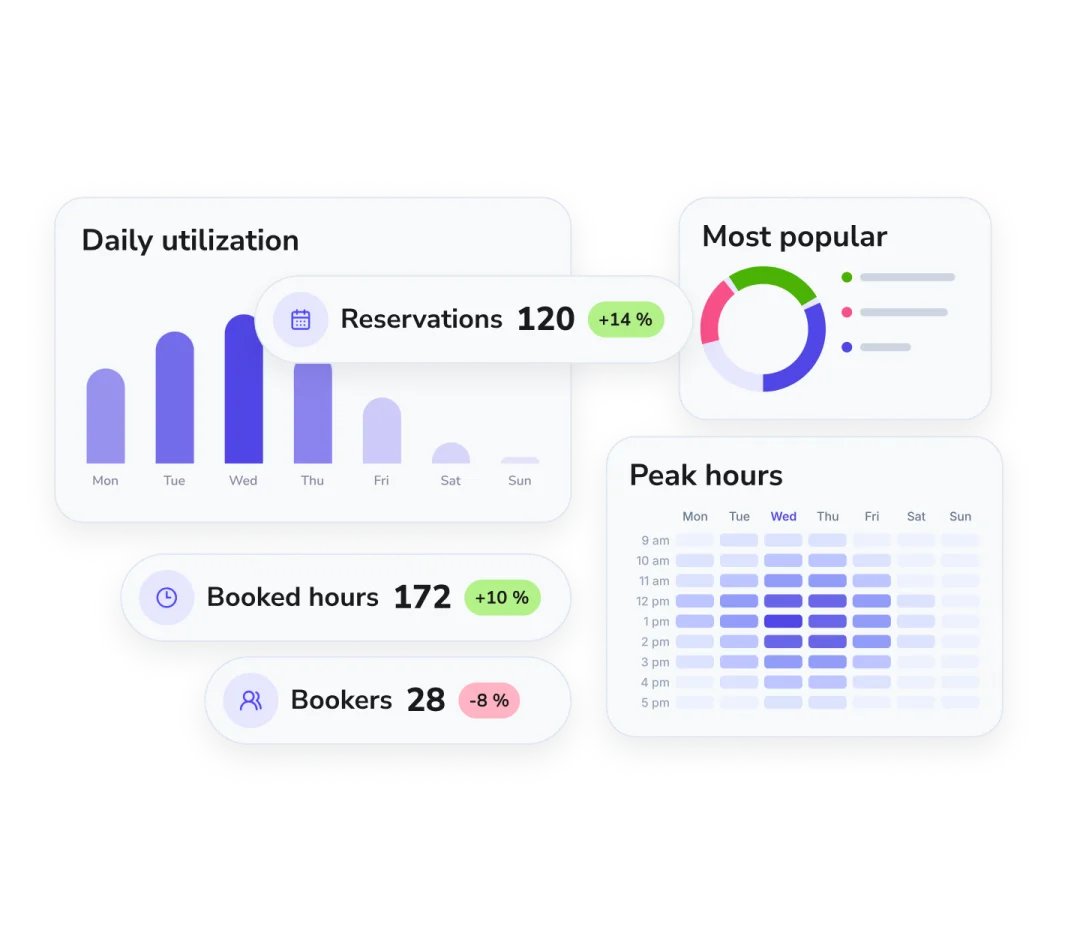
See how often your spaces are booked and which times are most in demand. Use booking reports to review activity and plan how you use your spaces.
“10 shared spaces. 1,000+ bookings a year. From endless emails to self-service bookings in just a few clicks.”
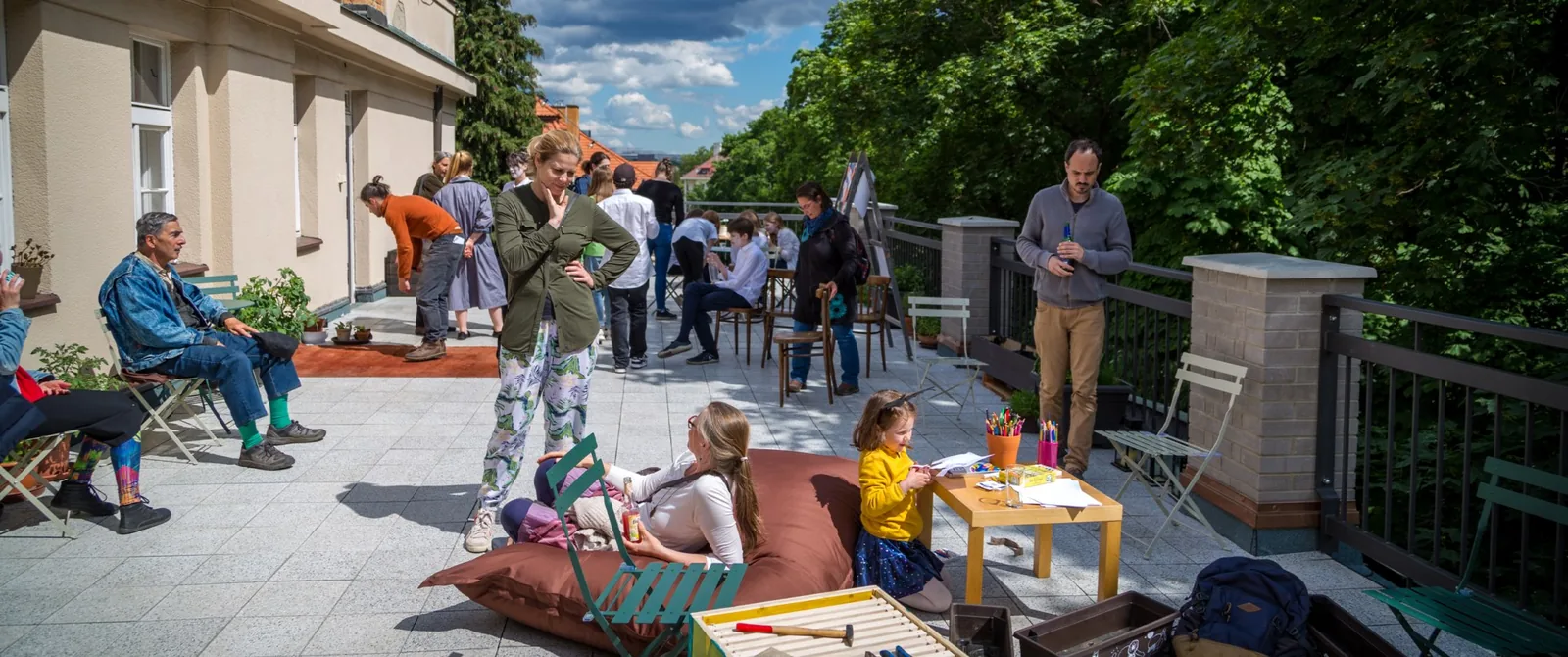
Make wedding venue booking easy from day one.
Start with one space and a small group of people. Expand at your own pace.
Keep calendars in sync.
Connect Microsoft or Google calendars so booking fits into familiar workflows.





Put booking where people already are.
Embed booking on your website or share a direct link with members and visitors.
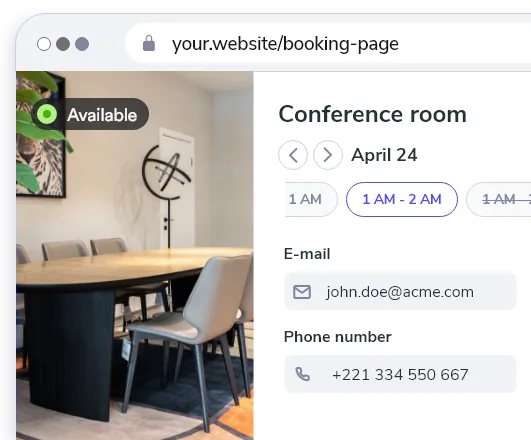
Book from mobile or QR.
Let people open booking from their phone or scan a code directly at the space.

Available in 18 languages
Give members and visitors the same familiar booking flow in their own language.


Whatspot speaks 18 languages
The booking features you need, at a glance.
-
Recurring bookings
Schedule regular bookings without creating each one separately.
-
Booking quotas
Limit bookings per person, per day, week or month.
-
Booking approval
Review booking requests before confirming use of the space.
-
Booking rules
Set allowed booking days, times and maximum booking length.
-
Operating hours
Define when spaces are normally available for booking.
-
Public booking links
Let visitors request a space through a shared link, without signing in.
-
Automatic no-show release
Free up spaces automatically when a required check-in is missed.
Wedding venue booking software pricing
Choose a plan for the spaces you manage and the booking controls you need. See current plans, or book a demo to discuss your setup.
Included
- Unlimited bookings
- Public booking form
- Booking schedules
- Booking approval
- Recurring bookings
- Statistics
- Calendar sync
What space managers say about Whatspot
Considering wedding venue booking software? Read feedback from Whatspot users managing offices, shared rooms and public-facing spaces.
A Gamechanger for My Tutoring Office I absolutely love Whatspot! It’s super easy to use, visually appealing, and a perfect fit for my small tutoring business. The free option is a huge plus, and the ability to book recurring meetings makes scheduling effortless. It’s become more than just a room reservation tool—it’s an essential part of how we organize our sessions!
Effortless Workspace Management Whatspot makes managing meeting rooms and workspaces incredibly simple. It's intuitive, efficient, and saves us time. Plus, their support is always quick to help when needed. Highly recommended!
Efficient, Smart, and Multilingual A really effective tool that helps companies increase the efficient use of their shared resources. Very easy to use tool with some excellent features, like allowing non-registered users to have access, plus many different language versions. There are regular improvements too, often based on customer feedback.
Simple and Effective Meeting Room Management We are very pleased with Whatspot for managing meeting room reservations and other spaces in our organization. It has significantly streamlined and improved the process. The application is highly intuitive, easy to manage, and simple to operate.
Fast and Easy Conference Room Booking Whatspot has saved us time by replacing manual booking with a quick and efficient online system. Now, everyone can easily choose a time and reserve a conference room hassle-free!
Great for Managing a Shared Room We use Whatspot to manage a single room for meetings, lessons, and departmental functions, and it works exactly as we need. The free version is perfect for a shared space used by different groups, making it easy for everyone to see availability and book. No other free products offered the ease of use that Whatspot did.
Translated from the original language.
Booking for the other spaces you share
Explore related uses, or see the broader Shared Spaces booking software overview.
 Offices & meeting rooms
Help teams share meeting rooms, desks, parking and workplace resources without conflicts.
Explore use case
 Coworking spaces
Coordinate desks, rooms, members and visitors from one booking system.
Explore use case
 Education & universities
Share classrooms, study areas and specialist facilities across different groups.
Explore use case
Community centers
Balance recurring programs, public access and manager approval.
Explore use case
 Churches & nonprofits
Open rooms to ministries, volunteers and local groups while administrators stay in control.
Explore use case
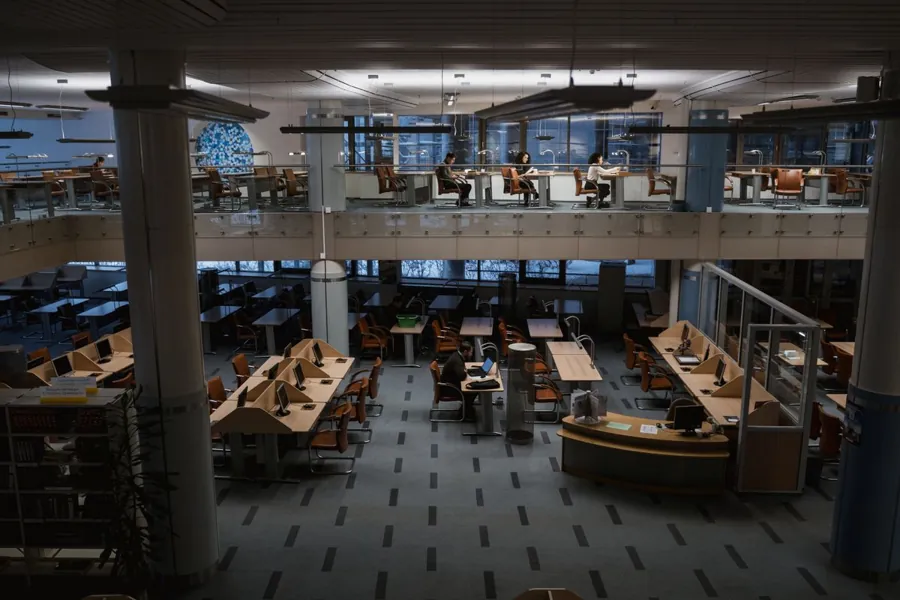 Libraries
Make study rooms, meeting areas and community facilities easy to reserve.
Explore use case
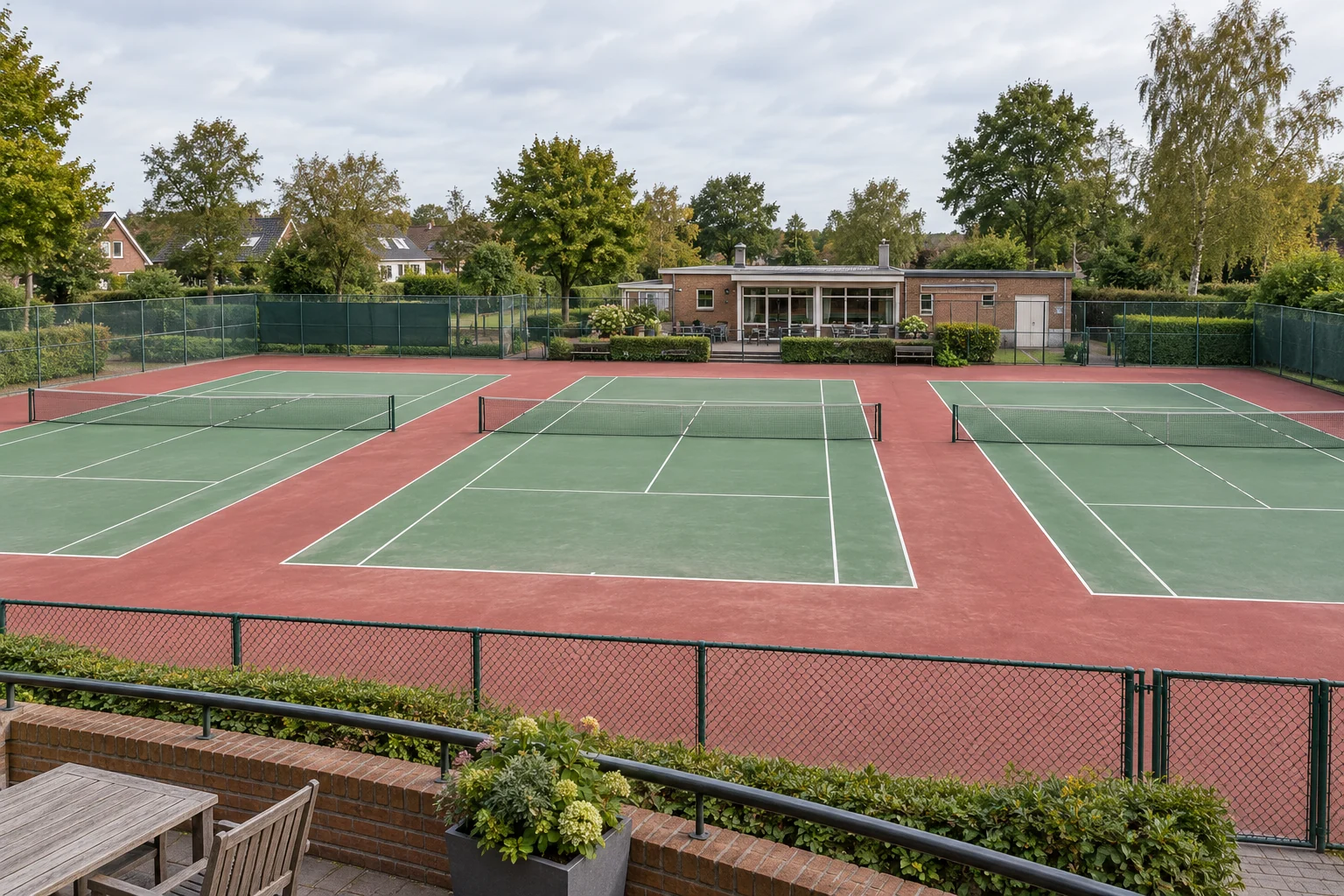 Tennis courts
Make court time clear for players, coaches and visiting guests.
Explore use case
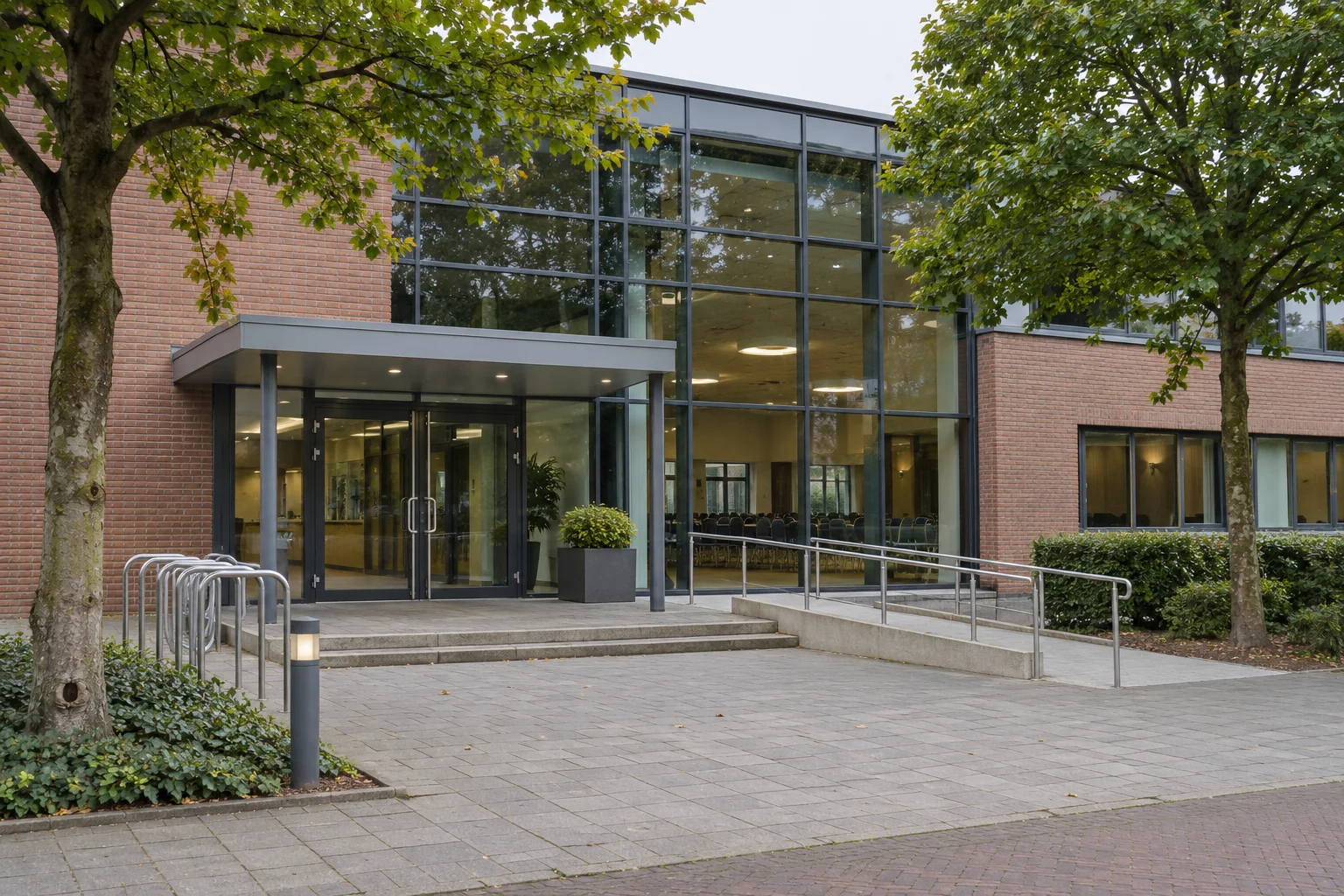 Event spaces
Share availability for event halls, conference rooms and breakout spaces, and review requests from organizers.
Explore use case
 Consulting & therapy centers
Keep consultation rooms available with the right access and booking windows.
Explore use case
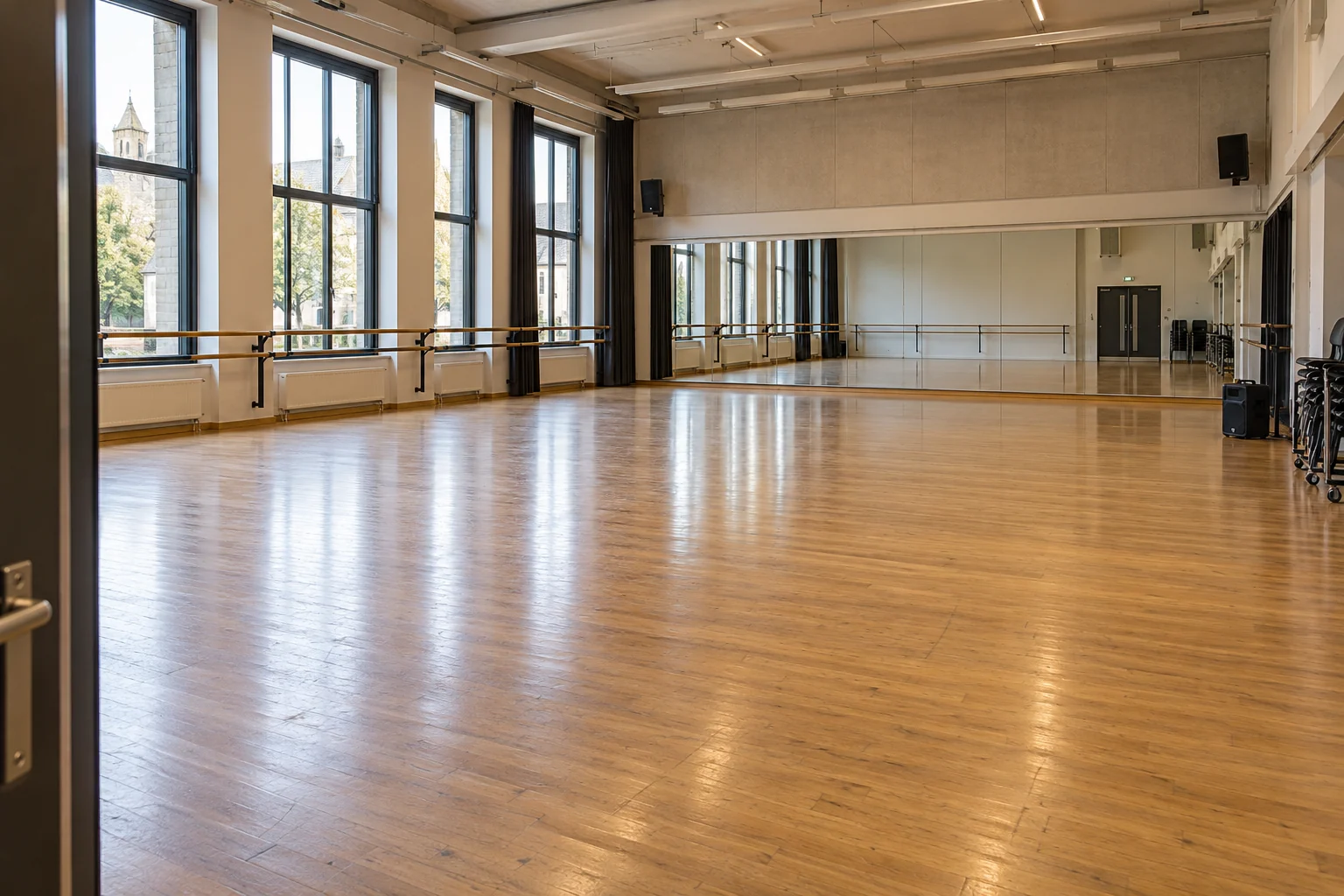 Dance studios & performing arts
Share dance halls and rehearsal studios across lessons, practice and outside hire.
Explore use case
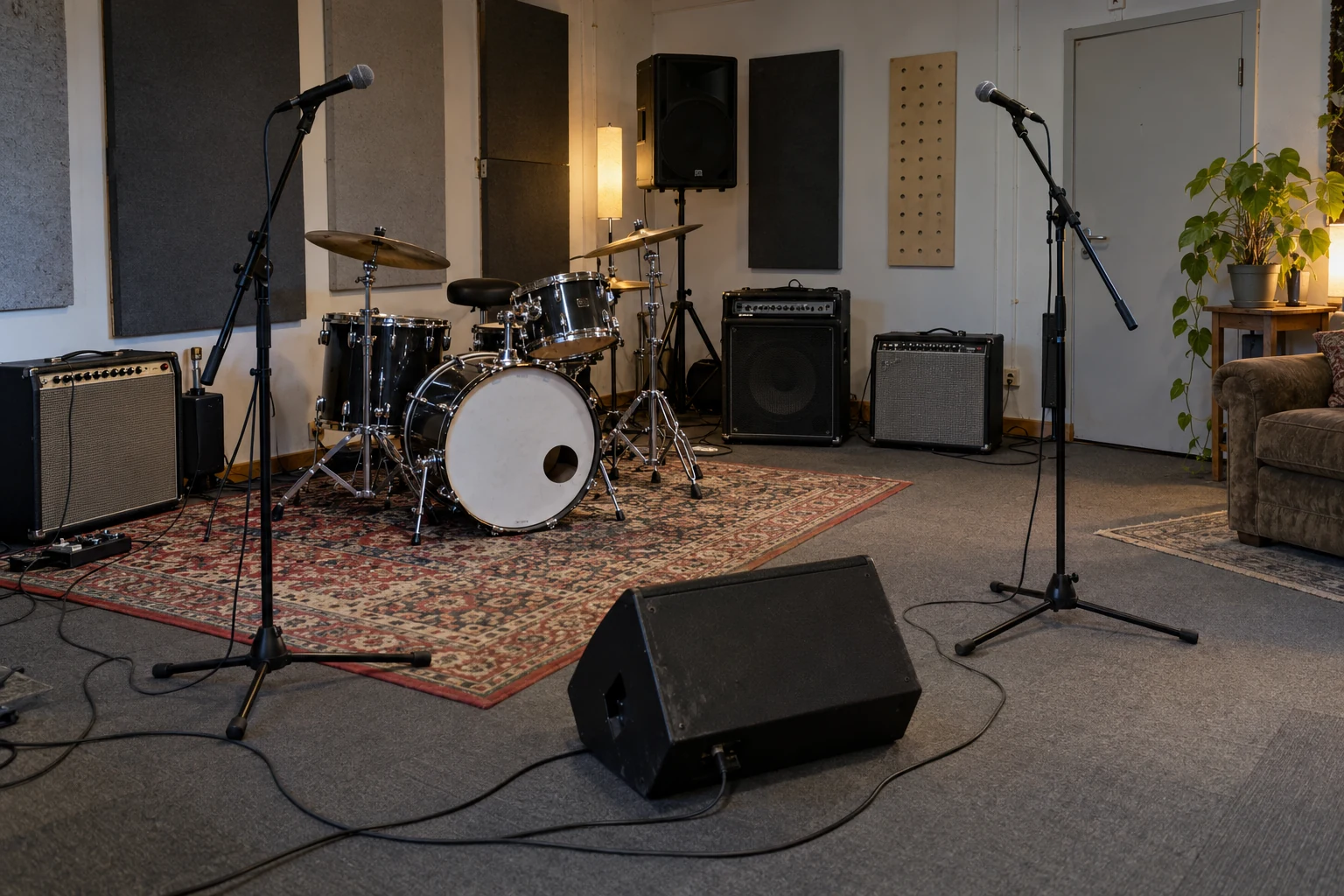 Music studios & rehearsal rooms
Coordinate regular rehearsals, recording-room requests and private practice spaces.
Explore use case
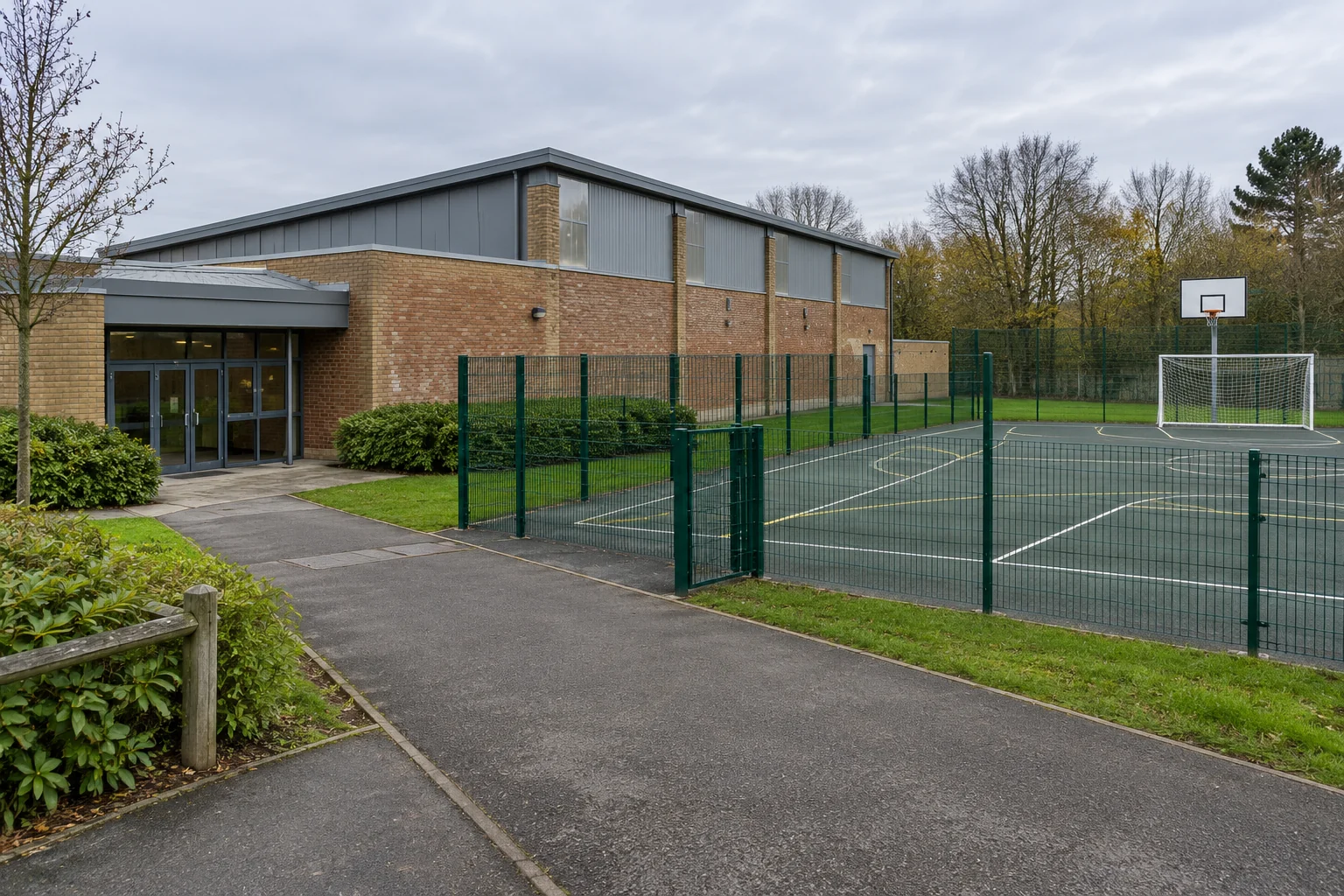 Multi-sport facilities
Coordinate independently bookable sports halls, courts and pitches in one schedule.
Explore use case
Questions about wedding venue bookings
How can wedding venues manage hall bookings and availability with Whatspot?
Whatspot gives wedding venues and reception hall operators a shared calendar for their bookable spaces. Add your wedding hall, ceremony room or garden as a separate space, then let couples view availability and submit a booking request through a shared link or your website. Public requests require category-manager approval before confirmation. If a wedding needs several spaces, your team coordinates each reservation; requesting one space does not automatically reserve the whole venue.
Can external visitors book without an account?
Yes. You can publish availability and a booking flow for selected spaces without requiring visitors to create an account. Internal users can continue booking through their own accounts, and both flows stay in one calendar.
How should we handle a ceremony and reception in different spaces?
Set up the ceremony room and reception hall as separate bookable spaces. Check availability for each space and coordinate their times before approving the requests. Do not assume that requesting one space also reserves another.
Does a couple’s online request confirm their wedding booking?
No. Public booking requests require approval by the category manager. Review the requested space and time before approving, and explain your venue’s event arrangements separately from the booking request.
Do we have to show every part of our venue to couples?
No. Publish the categories that couples can request and keep staff-only categories private. For example, the reception hall can be public while an internal operations room stays accessible only to registered users with access.
When is Google or Outlook Calendar not enough for shared-space booking?
Google or Outlook Calendar can work for straightforward scheduling. When several groups share spaces and visitors need to request time, a calendar alone may leave your team coordinating access, booking rules and approvals manually. Whatspot provides a booking flow for invited users and public requests, with space availability and control over confirmation. You can keep using connected Google and Outlook calendars alongside it. Read why Google or Microsoft Calendar may not be enough for room booking.
Make your wedding spaces easier to book.
Add your spaces, choose the right rules and replace booking back-and-forth with one simple flow.
Whatspot speaks 18 languages