Prevent no-shows from blocking your spaces — Check-in is here
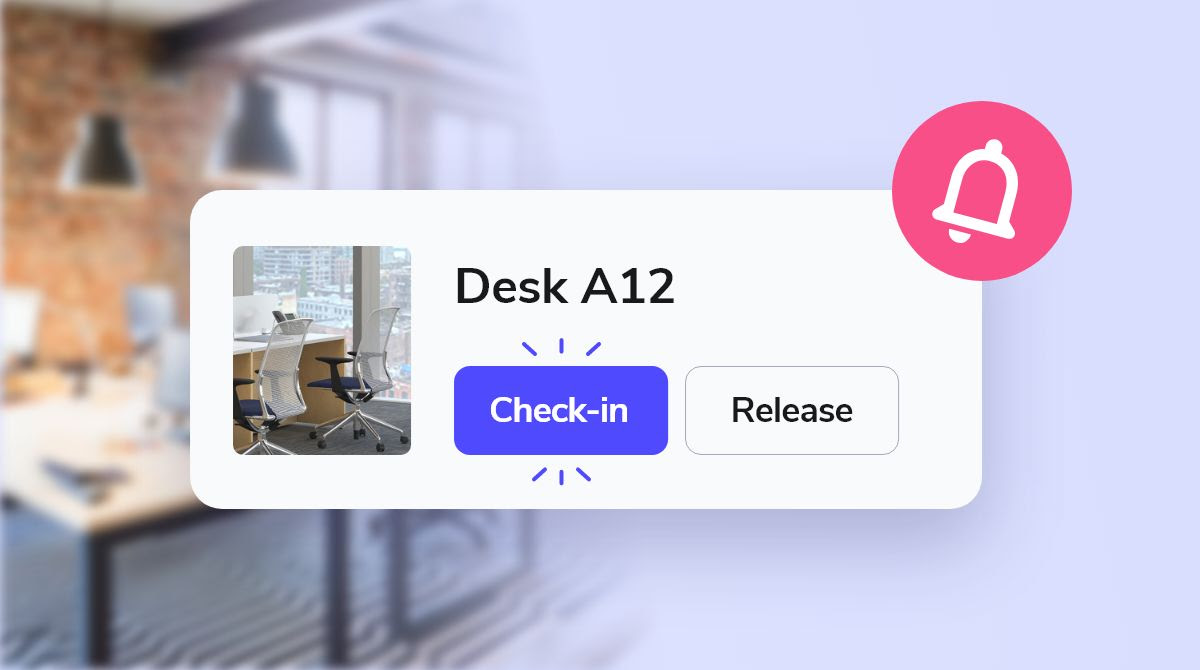
You can now enable check-in for selected categories of rooms, desks, or parking spots. If users don't check in on time, the spot is automatically released for others.
How it works:
When check-in is required, users get a reminder (via email or mobile app) to confirm their reservation. If they don't check in on time, the spot is automatically released for others to book.
Where to set it up:
Enable check-in per category and define how far in advance users need to confirm to keep the booking active.
Why use it:
✅ Avoid wasted space from forgotten bookings
✅ Let others use spots that would otherwise sit empty
✅ Keep your workspace flowing without micromanaging
Need more guidance? Book a 1-on-1 demo with our team.

Build your office map in minutes — drag-and-drop floorplans
You can now build a fully interactive office map in Whatspot – no support tickets, no IT help, and no delay. Upload your blueprint, place spots, and you're done.
With drag-and-drop floorplans, your team gets a clear, visual way to find desks, rooms, or parking spots and book instantly.
➡️ How it works:
- Upload your office blueprint (PDF, PNG, etc.)
- Place desks, rooms, parking or other bookable spots
- Add multiple floors or buildings as needed
✔️ No technical skills needed
✔️ Fully self-service
✔️ Works across floors and locations

🎉 Calendar sync with Microsoft 365 and Google is here!
Whatspot now syncs directly with Google Calendar and Microsoft 365, so all your bookings show up where you already plan your day.
No more switching tabs, missing meetings, or chasing updates. Your reservations update automatically in real time.
The integration is one-way — reservations are pushed from Whatspot into your Microsoft/Google calendar.
Setting it up is easy!
Head to your profile settings, sign in with Google or Microsoft, and you're connected — one click with single sign-on.
➕ As a bonus — you can now also log in to Whatspot with your Google or Microsoft account.
❗ Important: Make sure the timezone in your organisation settings is correct.
Embed booking forms directly on your website
A new feature lets you embed the booking module right into your website. Your visitors can now make reservations directly on your site — no redirects needed.
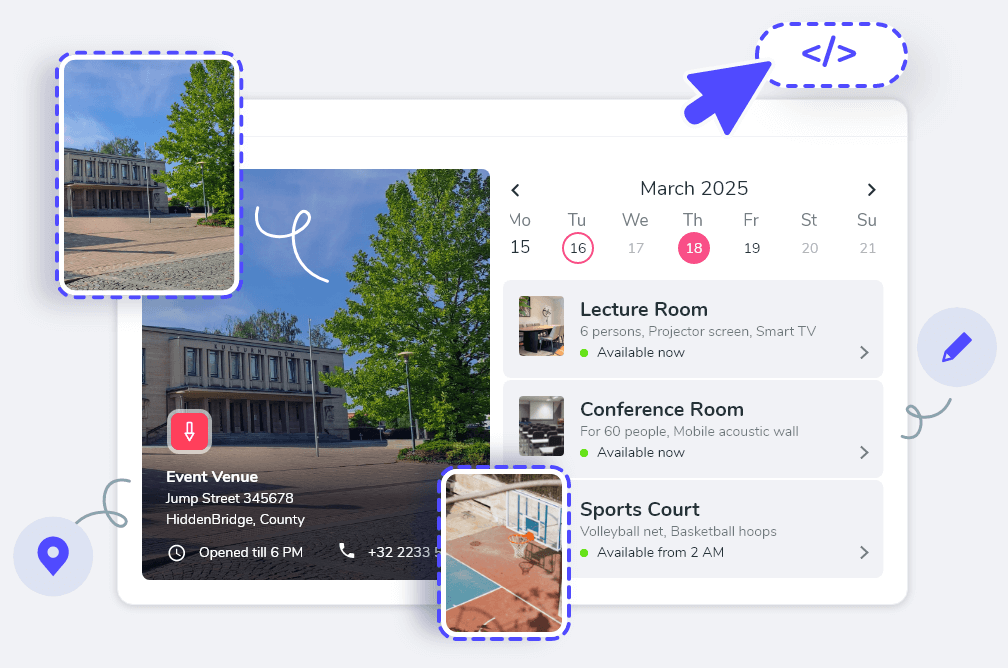
Perfect for coworking spaces & public venues.
- Ease for Visitors: Seamless booking access, no app switching or registration required.
- Easy integration: Copy and paste one script tag.
- Saves Time: Less customer support overhead.
How to set it up:
- Navigate to the main calendar in Whatspot.
- Click the share icon (top-right) and choose "Share publicly".
- Select "Embed into webpage" and copy the generated code.
- Paste into the HTML of your site or CMS (WordPress, Drupal, etc.).
Full guide: Help Center →

Interactive Floorplan is now in the mobile app
The Interactive Floorplan is now available in the Whatspot mobile app — book desks & parking spaces in seconds, directly from the map.

🚀 What's new?
- Instant visibility of available desks & parking spots
- Reserve directly from the floorplan with a tap
- Switch between floors & parking zones effortlessly
- Filter by time & space type
📱 The app is free to download. The Interactive Floorplan is available with the Floorplan add-on.
💡 Get Floorplan or email support@whatspot.app.