What is hot desking? How shared desks work in a hybrid office

On this page
- Quick answer
- How hot desking works in practice
- Hot desking, desk sharing and office hoteling
- Benefits and disadvantages of shared desks
- Calculate capacity for your busiest day
- When hot desking is a poor fit
- The operating rules employees actually need
- Introduce hot desking in a controlled pilot
- When a desk booking app helps
- Frequently asked questions
- Useful sources and further reading
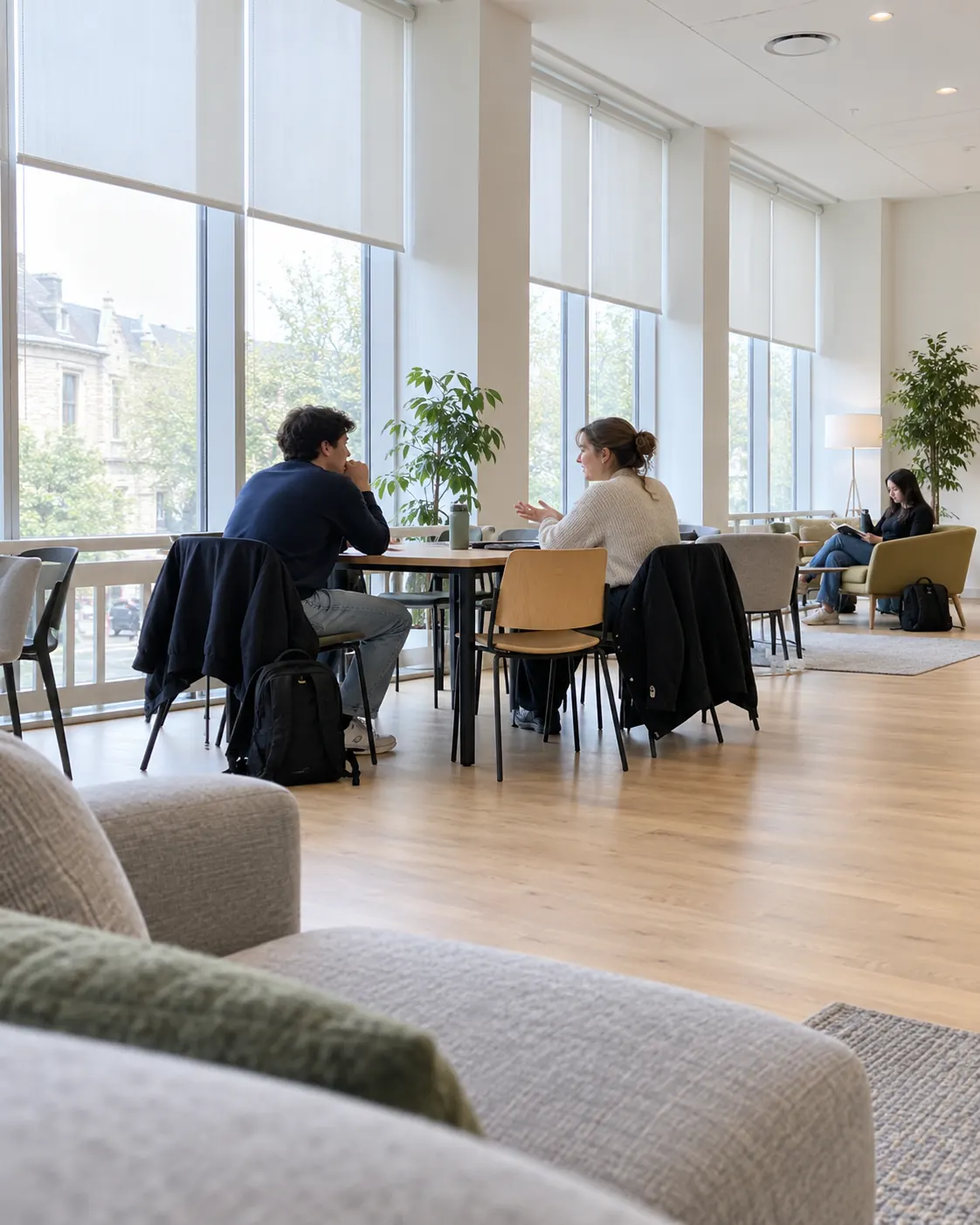
Hot desking is a workplace arrangement where employees share workstations instead of each having a permanently assigned desk. A person uses an available seat for the time they need it, then leaves it ready for someone else. Some offices allocate those desks on arrival; others let people reserve them before coming in.
The difficult part is making sure a suitable desk is available when someone actually needs it. An office can have empty seats on Friday and still turn people away on Tuesday. This guide explains the seating models, the capacity calculation and the rules that decide whether shared desks work.
Quick answer
- Hot desking shares desks between people; a hybrid work policy determines when people come to the office. Those decisions need to fit together.
- Advance reservations give people certainty before commuting. Drop-in desks work where suitable seats are reliably available.
- Plan around peak simultaneous demand and usable desk types, rather than average attendance alone.
- Keep fixed or adapted workstations where the work requires them. Shared seating need not apply to every person or desk.
- Test one area on real busy days before reducing capacity or expanding the scheme.
How hot desking works in practice
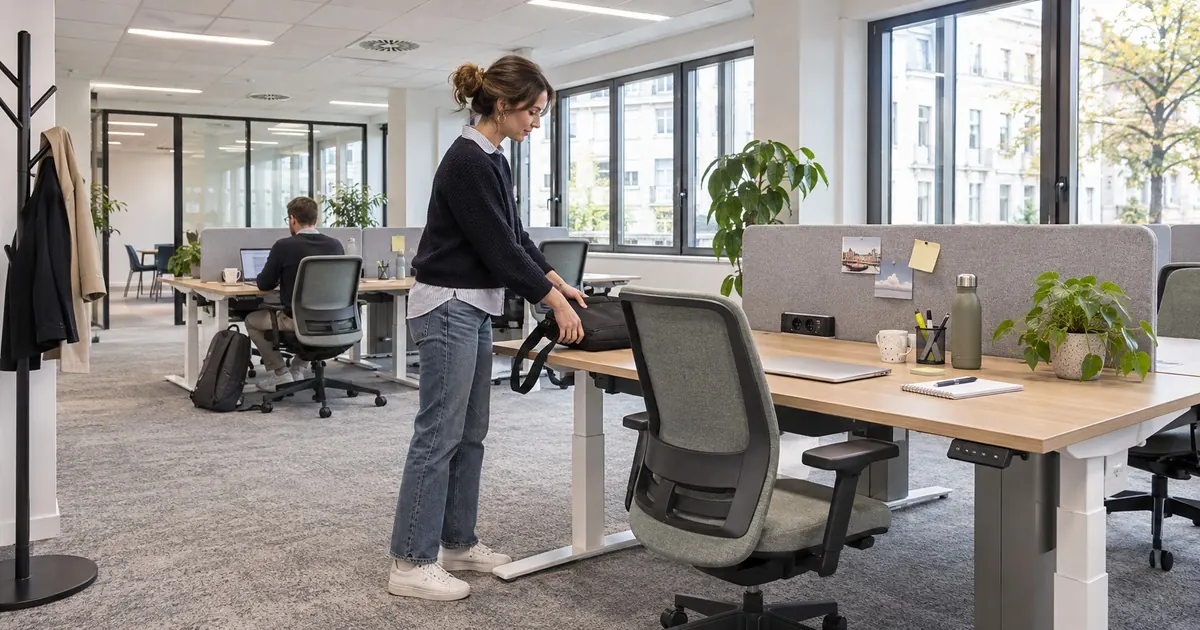
In an assigned-seating office, a desk belongs to a named person even when they are elsewhere. With hot desking, it belongs to a shared pool. An eligible employee chooses a suitable workstation, uses it for an agreed period and releases it when finished.
That changes three everyday decisions: where someone may sit, whether they should book before arriving, and what happens if the expected seat is unavailable. Facilities staff need a reliable inventory of working desks. Managers need to coordinate attendance without quietly reserving every seat for their own team.
Consider an illustrative employee coming in for a Tuesday project session. They need a desk near colleagues, a compatible monitor and somewhere to take a video call. Finding an unoccupied chair is only part of that job. Shared seating works when they can identify a suitable workstation and use the office without negotiating every step through an office manager.
The arrangement can cover a whole office, one floor or just an overflow area. It can coexist with assigned desks. Describe which inventory is shared first; otherwise people will make different assumptions about the same empty seat.
Hot desking, desk sharing and office hoteling
These terms overlap, and organizations use them differently. For an operational decision, describe the allocation rule rather than relying on a label.
| Model | How someone gets a desk | Where it helps | What needs a rule |
|---|---|---|---|
| Assigned seating | A named employee keeps a workstation | Daily on-site roles or a required fixed setup | Whether anyone else may use it during an absence |
| Drop-in hot desking | An eligible employee takes a free desk on arrival | Unpredictable visits with dependable spare capacity | How people find seats and avoid competing claims |
| Office hoteling | An employee reserves a shared desk in advance | Commuters and coordinated team days | Booking windows, cancellations and unused reservations |
| Team neighborhood | A team uses a defined shared area | People who need proximity for their work | Who may use the area when its usual team is absent |
Desk sharing broadly means several people using the same inventory at different times. Hoteling usually emphasizes advance reservations. A neighborhood describes location and eligibility, so it can operate with drop-in use or bookings.
A practical mix might keep adapted workstations assigned, allow advance reservations in team areas and retain a general same-day pool. Someone traveling a long distance for specialist equipment needs more certainty than someone visiting an office with interchangeable desks and ample spare capacity.
Benefits and disadvantages of shared desks
Shared seating can make underused desks available to more people, accommodate visiting colleagues and let teams change location as projects change. Those are potential advantages, not automatic results of removing nameplates.
Make existing capacity useful
An empty assigned workstation may help another team short of seats, provided its equipment and access rules allow sharing. Check when the desk is needed, not just whether it looks empty during one walk-through. A desk vacant at 9 a.m. may already be needed for the afternoon.
Offer meaningful choice
People may benefit from choosing a quiet area for focused work or sitting near a project team. That requires genuinely different settings. Putting everyone in the same noisy area and renaming the seats does not create useful choice. Meeting rooms and call spaces still need enough capacity for the work brought into the office.
Count the costs that move elsewhere
Any space saving must be weighed against storage, equipment standardization, administration and time spent finding a usable seat. If employees arrive early to claim a desk or repeatedly rebuild their workstation, the organization has transferred an operating cost to them.
The initial question should be: which current problem would sharing solve, and what new work would it create? If the main problem is everybody attending on the same day, sharing alone does not fix it. If desks are plentiful but people cannot find colleagues, coordination may matter more than reducing the inventory.
Calculate capacity for your busiest day
A headcount ratio describes how much desk sharing you intend. It does not prove the office can absorb the attendance pattern.
Take an illustrative office with 60 eligible employees and 36 shared desks:
- Employees per desk: 60 ÷ 36 = 1.67.
- If 42 employees need seats simultaneously on Tuesday, the shortfall is 6 desks.
- If only 18 attend on Friday, Friday's spare capacity cannot solve Tuesday's shortage unless attendance can actually move.
A weekly average hides that mismatch. Even a daily count can be too coarse if one group leaves at lunchtime and another arrives before the seats are ready.
Count suitable desks, not just desk icons
Suppose four of those 36 desks have specialist equipment restricted to another group and two are out of service. A general employee now has a usable pool of 30. If 32 eligible people need it, the pool is short despite the 36 icons on the floor plan.
| Pool in this example | Usable desks | Simultaneous demand | Decision |
|---|---|---|---|
| General shared desks | 30 | 32 | Agree another suitable area or change the attendance plan |
| Specialist workstations | 4 | 3 | Keep eligibility visible; release only under an agreed rule |
| Out-of-service desks | 2 | 0 | Keep unavailable until facilities confirms repair |
Use actual attendance, equipment requirements and closures. These are worked numbers, not recommended ratios. Where demand is uncertain, preserve flexibility rather than promising savings that depend on every day matching the average.
Check the type of shortage
If there are enough desks overall but no suitable seat in a required zone, examine eligibility and equipment. If most reservations remain unclaimed, examine cancellation and confirmation. If every usable desk is occupied and people still need seats, the office has a capacity problem. Applying a stricter no-show rule to that last situation cannot create capacity.
When hot desking is a poor fit
A shared arrangement adds little where nearly everyone needs the same workstation every working day. It can also create friction for roles involving fixed equipment, sensitive physical materials or a setup that takes substantial time to reproduce.
Accommodations need a private route. Someone should not have to compete for the only suitable workstation or disclose personal information in a public booking note. Loughborough University's published approach recognizes circumstances for sole-use desks, including operational equipment needs and occupational-health recommendations. This is an institutional example, not a universal eligibility rule.
Shared workstations also need usable equipment. The UK Health and Safety Executive includes hot desking in its display-screen-equipment guidance. Use the relevant local workplace assessment process in other jurisdictions. A booking confirmation does not establish that a workstation is suitable.
You can stop at a mixed model. Keeping some assigned desks while sharing the rest may achieve the useful part of the change without forcing every role into the same pattern.
The operating rules employees actually need
A useful hot desking policy answers situations people encounter at a desk. It should be short enough for employees to consult, with the reasoning and configuration kept available to the people maintaining it.
Reservations and cancellations
Define who can book which pool and how far ahead. Choose a window around commuting and planning needs. Then inspect whether recurring reservations are turning shared seats into unofficial assigned desks. Make cancellation easy from the device employees use when their plans change.
Check-in and unused bookings
A reservation records an intention to use a desk. Check-in records that the user claimed it. Where automatic release is used, explain the confirmation deadline and how a genuinely late employee gets help.
Timing differs between systems and configurations. A process may require advance confirmation or confirmation around arrival. Test the actual behavior; do not import a grace period from another office without considering commuters, morning meetings and people who cannot immediately use a phone.
Equipment, storage and the end of a visit
Give desks stable names and identify equipment that changes suitability. Provide a fault-reporting route and remove broken seats from availability. Explain where belongings go, who provides cleaning supplies and what users reset before leaving. A clean-desk rule is difficult to follow if there is nowhere to store a bag or paperwork.
Conflicts and exceptions
Name the person who resolves an occupied reserved desk and offers an alternative. Employees should not have to remove somebody else's belongings or negotiate an accommodation. Record repeated conflicts so the underlying policy or booking process can be corrected.
Introduce hot desking in a controlled pilot
Choose a real group and an area containing the difficult cases. A pilot with light attendance and interchangeable seats says little about your busiest team day.
- Establish the baseline. Record when suitable desks are unavailable, how people find seats and which problems require staff intervention.
- Prepare the inventory. Confirm desk names, equipment, eligibility and unavailable seats. Explain fixed workstations alongside shared ones.
- Publish the working rules. Demonstrate reserving, cancelling, reporting a fault and asking for support.
- Run busy-day scenarios. Include simultaneous demand, a late arrival, a broken monitor, an unused booking and a team unable to sit together.
- Review causes. Separate insufficient capacity from unclear access, stale reservations and equipment faults. Each needs a different response.
Observe the attendance pattern you are trying to manage. A weekly team day needs a different test from a site with occasional visitors. Expand when users can follow the process and staff can handle exceptions, rather than after an arbitrary number of calendar days.
Keep a simple issue log: date, desk pool, what the user expected, what happened, immediate alternative and the person responsible for a fix. If the same confusion appears repeatedly, change the instruction or configuration before blaming user behavior.
When a desk booking app helps
A small pool can work with a local protocol if people rarely compete for suitable seats and someone keeps availability reliable. Software becomes useful when employees need advance certainty, differentiated desk types or cancellations returned to the pool without manual coordination.
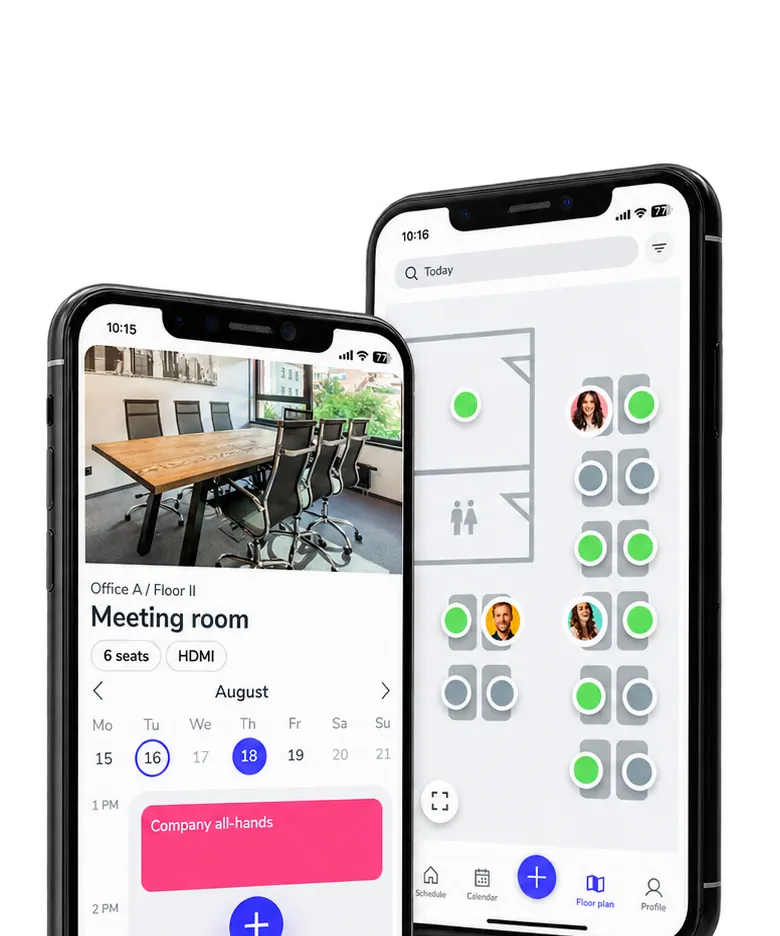
Whatspot's desk booking system provides resource availability, floor plans, mobile booking and controls for access and unused reservations. A team can manage desks alongside rooms and parking. Test one open desk group and one restricted group against the policy you have chosen.
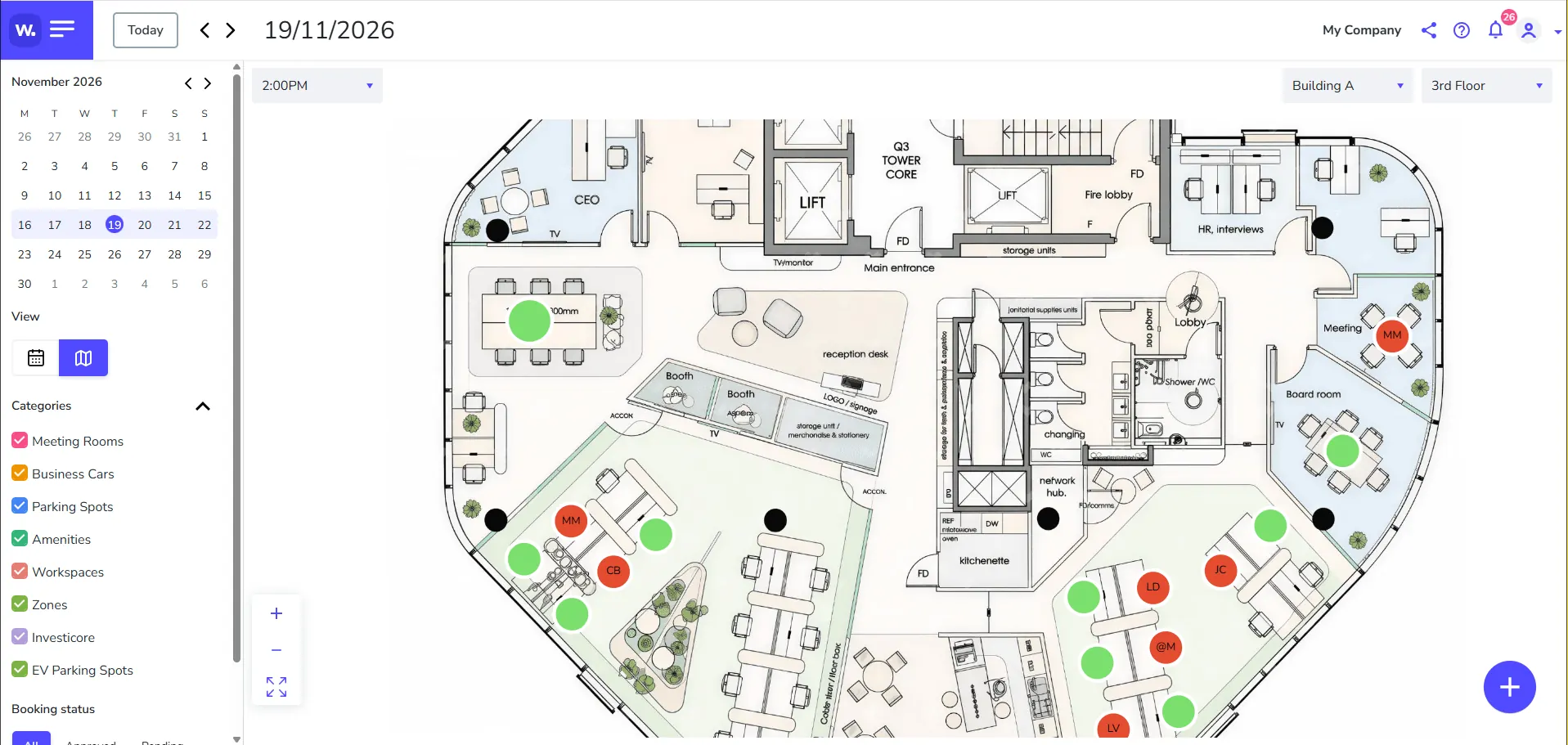
Ask an ordinary employee to find a suitable desk, reserve it and release it without an administrator explaining the screen. Separately test check-in with two accounts. A map can show where a desk is; it cannot decide whether the office has enough appropriate desks for Tuesday.
Frequently asked questions
What is the difference between hot desking and desk sharing?
Desk sharing broadly means several people using the same desks at different times. Hot desking usually describes unassigned seats, taken on arrival or reserved. Organizations use the labels differently, so specify booking and eligibility rules rather than relying on the name.
Is hot desking the same as hybrid working?
No. Hybrid working concerns where people work across office and remote locations. Hot desking concerns how office workstations are allocated. A hybrid organization can retain assigned desks, while an entirely on-site organization can share desks across shifts.
What are the main disadvantages of hot desking?
Problems include uncertainty about finding a suitable seat, separation from teammates, repeated setup and conflicts over unused reservations. Identify the actual cause. More desks will not fix unclear eligibility, while stricter rules will not fix a genuine capacity shortage.
How many desks do we need for hot desking?
Estimate simultaneous demand for suitable desks on peak days, accounting for restricted seats, equipment and closures. A headcount-to-desk ratio is only an initial planning measure. Check that the resulting inventory covers the real attendance pattern before reducing capacity.
Should some employees keep an assigned desk?
Yes, where a fixed workstation is appropriate for the role or an agreed individual requirement. Define a private assessment route and explain which seats remain outside the general pool. Mixed assigned-and-shared seating is a valid operating model.
Do you need software for hot desking?
Not always. A small office with reliable spare capacity may work with a clear local protocol. Software helps with advance reservations, desk locations and equipment, differentiated access, and dependable cancellation or release of unused seats.
Does checking in prove a desk was occupied all day?
No. Check-in confirms that a booking was claimed according to the configured process. It does not measure continuous physical use. Keep bookings, check-ins and observed occupancy separate when deciding how much capacity to retain.
Useful sources and further reading
These resources help with two decisions a seating change cannot avoid: which workstations people need and how those workstations stay usable.
- Loughborough University: desk sharing and hot desking: an institutional example of shared pools and circumstances for retaining a sole-use desk.
- HSE: working safely with display screen equipment: UK guidance covering workstation assessment and hot-desking users; apply the relevant local process elsewhere.
 4.7/5
 4.4/5
 4.7/5