Add bookings to your personal calendar with one click
Add a confirmed booking to your personal calendar in one click and keep a better overview of all your activities.
⚙️ Spots on the calendar are now ranked the same as the category on the spots page.
🐛 Displaying the correct language during the booking process has been fixed.
🐛 Some other minor bugs have been fixed.
Turn off the approval process per category
Administrators can now turn off the approval process for a specific category — every new reservation will be automatically approved.
⚙️ The downloaded xls file with monthly statistics now has an improved name format: whatspot_statistics_YYYY_MM.xlsx.
🐛 Fixed header when displayed on mobile devices.
🐛 Some minor bugs have been fixed.
Monthly statistics export + password improvements + category memory
Download a monthly overview of how individual spots are being used. Whatspot also now remembers your preferred category settings after logout.
⭐ Monthly statistics export — Download a monthly overview of how you've been using individual spots.

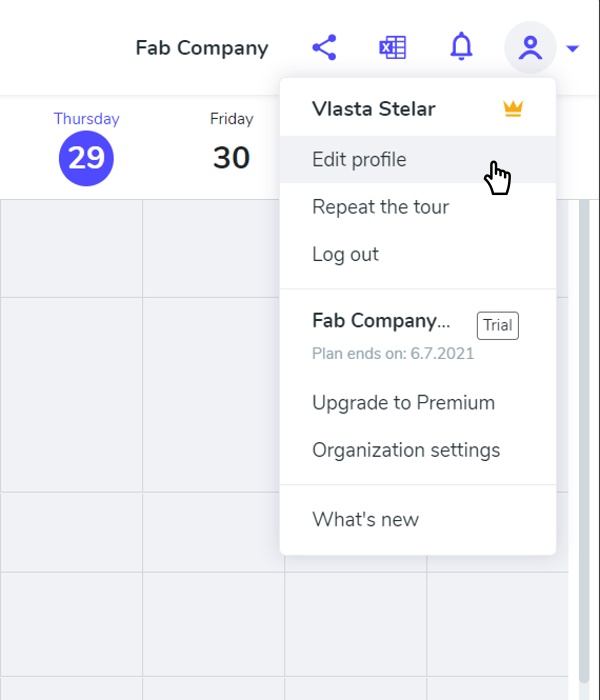
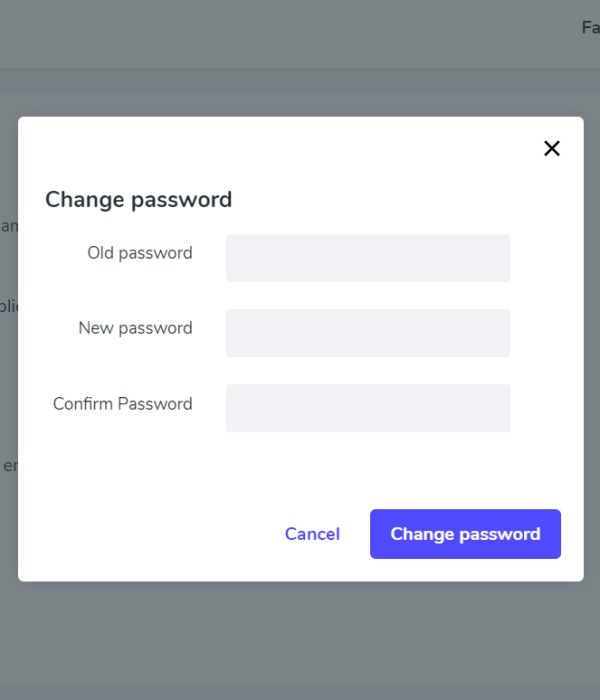
⚙️ Set new passwords more easily in Edit Profile.
⚙️ Whatspot now remembers your preferred category settings even after you log out.
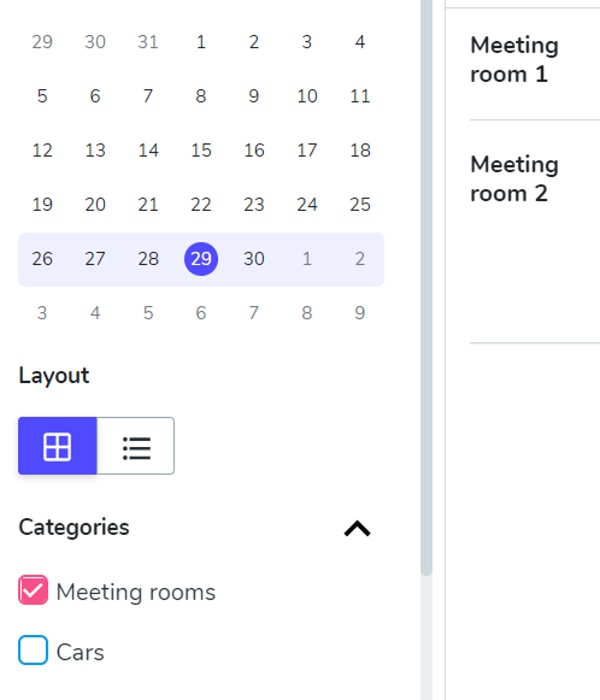
🐛 Fixed incorrect displays on the left-hand navigation bar at 100% magnification.
🐛 Fixed the display of the organisation name for public reservations.
🐛 Some other minor bugs have been fixed.
Easier public calendar sharing
Making the booking calendar available to an external person is now even easier — just click the share icon in the app header.
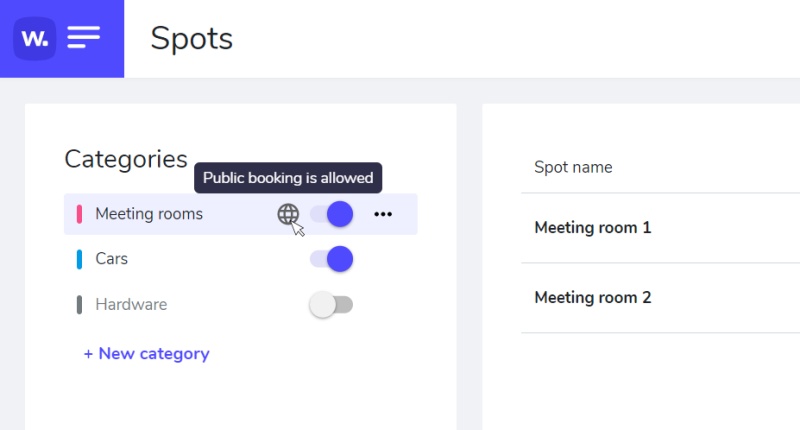
⚙️ On the Spots page, you can now find an icon indicating a public category — giving you a quick overview of which categories are available to external persons.
New onboarding tour + knowledge database
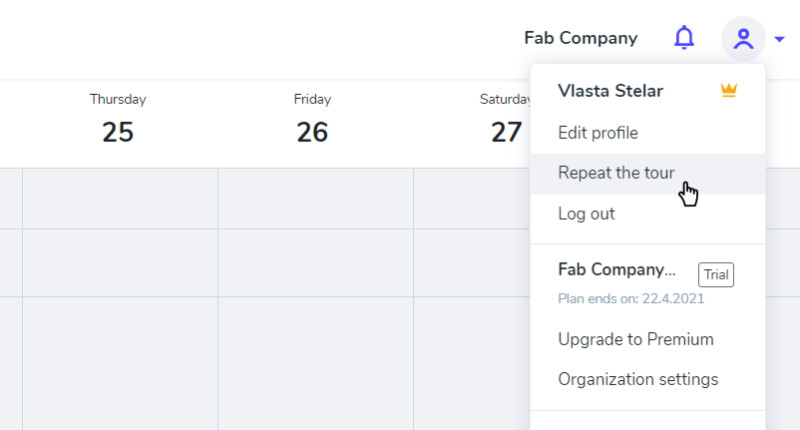
A new onboarding tour helps you quickly understand the application after registering. Existing users can re-run it via "Repeat the tour" in the user menu.