Best sports facility management software for 2026

On this page
Renting a school gym on weekday evenings, running a pickleball club and managing a baseball training center are three different jobs. The right sports facility management software depends on whether you need to reserve space, collect rental fees at checkout or run a sports program alongside the schedule.
Quick answer
- Shortlist Whatspot if the job is to publish availability for courts, fields or halls and control who can reserve them.
- Compare AllBooked and SportsKey if you need to handle paid rentals and book the same pitch as a whole or in sections.
- Consider CourtReserve if memberships and league play are part of running a racquet club, or Playbypoint if player booking, an app and point of sale are priorities.
- Try Swift if you rent batting cages and also sell coaching, camps or training packages.
How we compared the tools
Whatspot publishes this guide and is included in the comparison. We reviewed vendor product pages, documentation and public booking examples in November 2026. We compared the spaces each tool is designed to handle, its approach to paid bookings and sports programs, and the workflows an operator should test. The recommendations are based on the published evidence.
Sports facility software comparison
| Tool | Best fit | Bookable spaces | Payments and program scope | What to verify |
|---|---|---|---|---|
Whatspot | Shared facilities, schools and community sports spaces | Fields, courts and halls | Public booking and approvals. Booking payments are in preparation; confirm availability before relying on checkout. | How you handle rental charges and whether club operations belong in another system. |
AllBooked | Facilities with complex space rules | Pitches, courts and shared sports spaces | Integrated booking payments and configurable rules. | Whether a whole-field reservation blocks every subdivision under your rules. |
SportsKey | Operators renting out pitches and sports halls | Pitches, halls and split facilities | Public availability and chargeable bookings. | How seasonal hires, cancellations and refunds work for your team. |
CourtReserve | Racquet clubs with memberships and league play | Tennis, pickleball and other courts | Reservations, club memberships, leagues and payments. | Which plan covers the programs and member rules you use. |
Playbypoint | Court clubs prioritizing the player experience | Racquet courts and multi-sport club spaces | Club payments, waitlists, POS and a branded app option. | Which plans and regions support the app and payment options you need. |
Swift | Baseball and softball training facilities | Batting cages, training areas and rental spaces | Paid rentals, lessons, camps, packages and memberships. | Whether staff and space availability stay aligned for lessons and rentals. |
Six options by operating model
Whatspot
Shared facilities, schools and community sports spaces
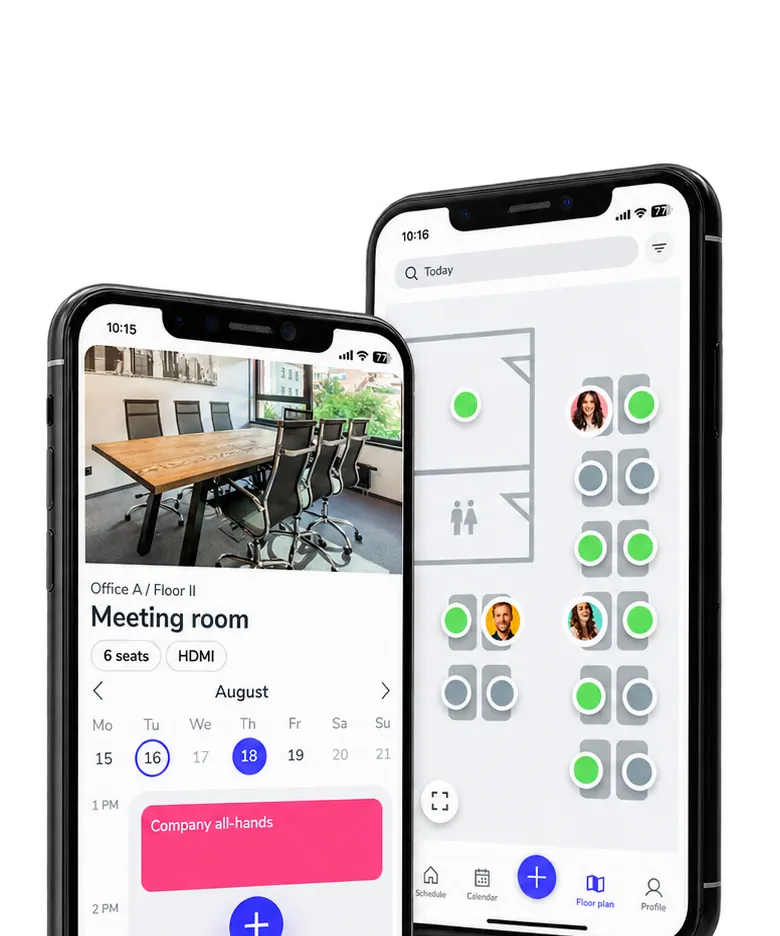
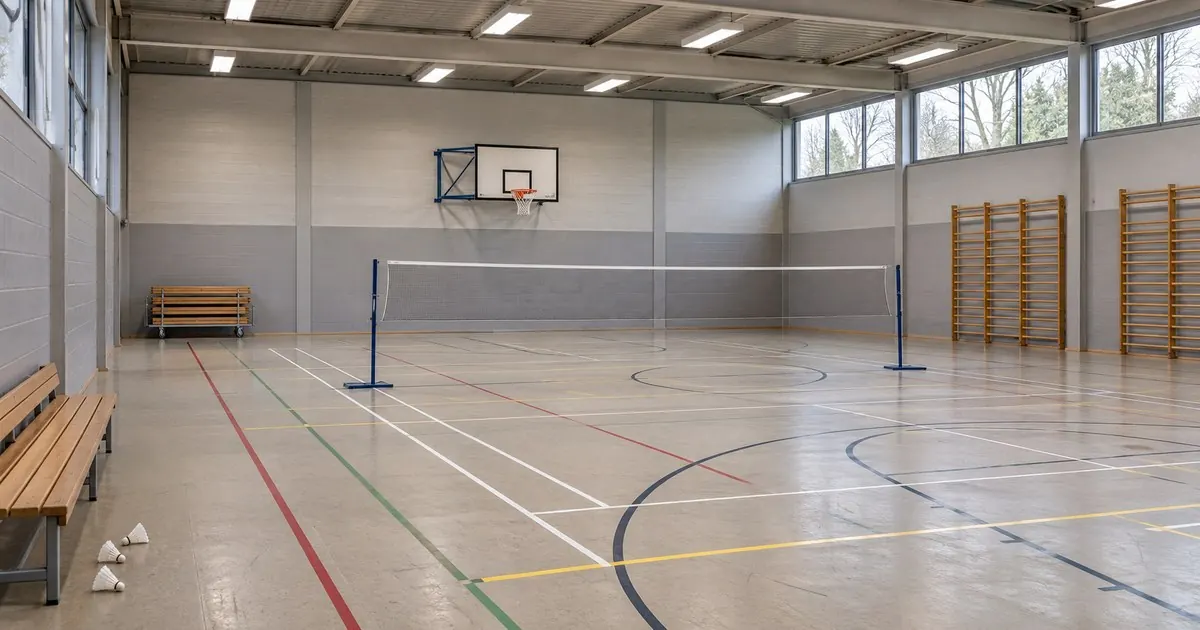
A school opens its gym to local teams after classes. Keep school sessions and regular club slots on the schedule, share remaining availability and route requests through an approver. This is a space-booking workflow. Membership billing and league administration sit outside Whatspot’s scope. Booking payments are in preparation. Confirm their availability for your venue before relying on payment collection.
AllBooked
Facilities with complex space rules
A site books its football pitch as one full field or two half fields. AllBooked is worth evaluating when the relationship between spaces, booking rules and payment at reservation matters. Run that whole-field and half-field scenario in the demo.
SportsKey
Operators renting out pitches and sports halls
If a public operator rents multiple pitches or hall sections, SportsKey offers a sports-specific workflow with a public calendar, split facilities and paid bookings. Ask to see a one-off hire and a recurring club booking in the same schedule.
CourtReserve
Racquet clubs with memberships and league play
A pickleball club may need court reservations, member privileges and league play in the same system. CourtReserve documents those workflows alongside payments. Test how a casual visitor and a member see the same prime-time slot.
Playbypoint
Court clubs prioritizing the player experience
Playbypoint is worth a look if members book courts, join waitlists and pay through a club app. Its point-of-sale and split-payment workflows also matter to commercial venues that handle purchases beyond court hire.
Swift
Baseball and softball training facilities
A batting cage might be rented directly on Saturday morning and used by a coach for a lesson later that day. Swift handles that mix of rentals, training programs and recurring packages. Ask to see how a booking changes when a coach switches cages.
Run these four tests before you choose
- Protect existing bookings. Add the school timetable and a club’s weekly training block. Then open the booking link as a visitor and see which slots are available. Ask how staff move one occurrence during a holiday without changing the whole series.
- Try a shared playing surface. Book half of a football pitch and check what happens to the full-pitch option and the other half. Try the same with a sports hall split into multiple badminton courts.
- Run an after-hours request. Have a first-time hirer request a school gym on a Saturday. Follow the request through approval, confirmation, access instructions and cancellation. If the booking is paid, test the refund and find it in the finance report.
- Separate rentals from programming. Try a guest hire, a member booking and a coach-led class if you offer all three. Check whether member pricing, credits, league sign-ups or staff availability need to be managed in the same system. Confirm the total cost for your locations, payment fees and required modules.
A shared calendar may be enough when a small internal team makes all bookings and everyone follows the same rules. A dedicated booking system becomes useful once outside groups need to check availability, submit requests or book individual spaces themselves.
If your work starts with opening up unused time on a pitch, court or hall, see how Whatspot handles sports facility bookings. For a court-specific example, see online court booking.
Frequently asked questions
What is the difference between sports facility booking and management software?
Booking software handles access to a physical space at a given time. Broader management platforms can also handle memberships, coaching, events, leagues, checkout and other club operations. Decide which jobs need to share the same system.
Can a system book a full field and half fields?
Some systems support overlapping resources. Test the rules in both directions. A full-field booking should prevent both half-field bookings, and a half-field booking should block the full field while letting the other half remain available if your venue allows it.
What should a school check for community use of sports facilities?
Check who can see available time, who approves outside requests and how term-time bookings are protected. Make sure staff can communicate access instructions and handle timetable changes with the outside group.
Can I collect online payments for sports facility bookings?
Several tools in the comparison offer booking payments. Verify checkout, refunds, fees and availability in your market with the vendor. Booking payments are in preparation. Confirm their availability for your venue before relying on payment collection.
 4.7/5
 4.4/5
 4.7/5